Accordion Styling Issues
Accordion Styling Issues
How to fix the styling changes that Squarespace auto-applies to Accordion Blocks when duplicating a template.
How to fix the styling changes that Squarespace auto-applies to Accordion Blocks when duplicating a template.
How to fix the styling changes that Squarespace auto-applies to Accordion Blocks when duplicating a template.
Applies to
Cove
Cove
Kintsugi
Kintsugi
Learnable
Learnable
Nautilus
Nautilus
Opponent
Opponent
Parable
Parable
Retrograde
Retrograde
Venture
Venture
How it works
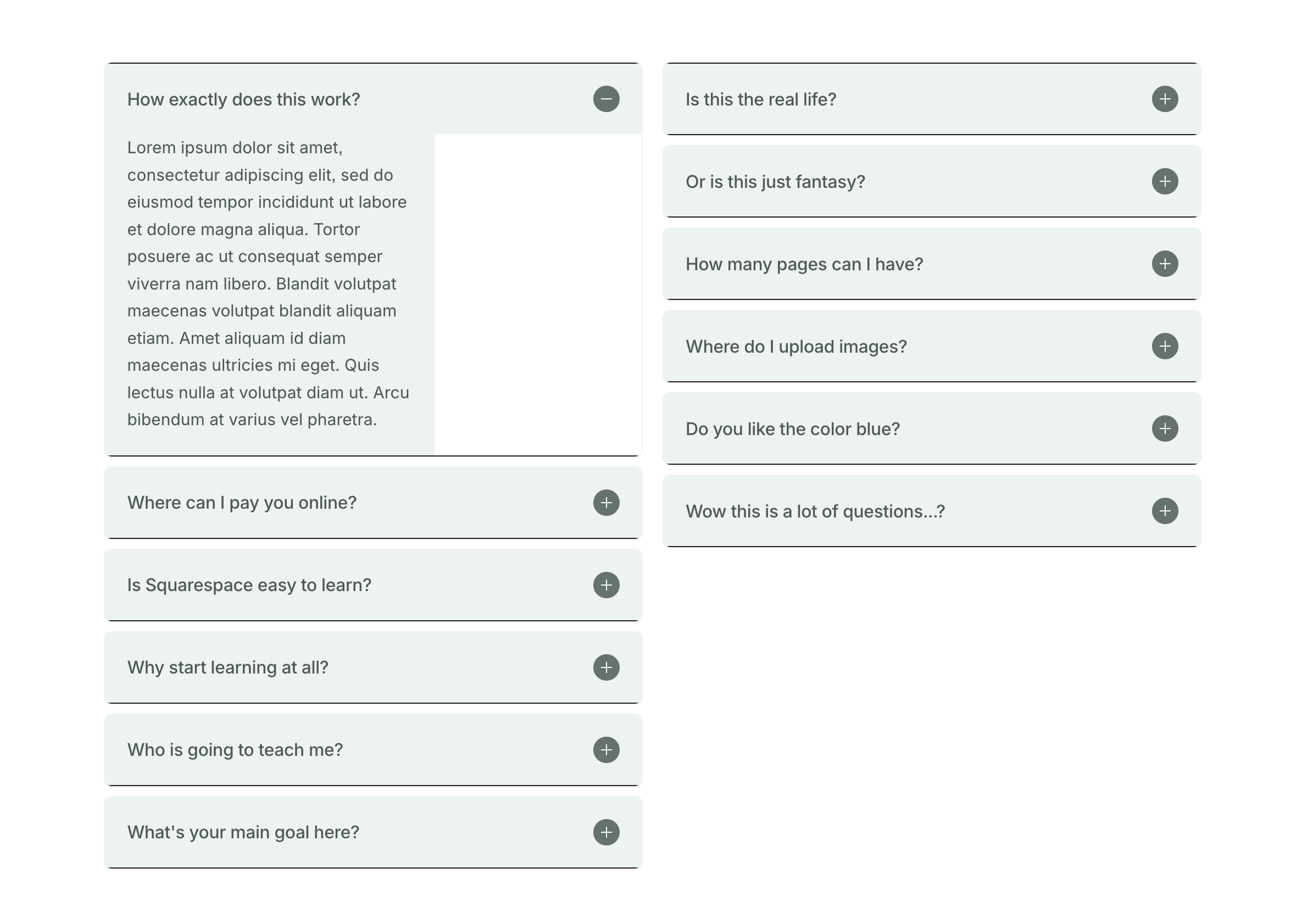
When duplicating a Squarespace site, certain elements don't copy over perfectly (a long-time SQSP bug)—the Accordion Block is one of them. You may notice your accordion blocks have a weird border and the content isn't spanning the full width of the block… so to fix, head to the Accordion Block's settings and change two things: 1. Dividers (toggle off), and 2. Description Width (set to large).
When duplicating a Squarespace site, certain elements don't copy over perfectly (a long-time SQSP bug)—the Accordion Block is one of them. You may notice your accordion blocks have a weird border and the content isn't spanning the full width of the block… so to fix, head to the Accordion Block's settings and change two things: 1. Dividers (toggle off), and 2. Description Width (set to large).
When duplicating a Squarespace site, certain elements don't copy over perfectly (a long-time SQSP bug)—the Accordion Block is one of them. You may notice your accordion blocks have a weird border and the content isn't spanning the full width of the block… so to fix, head to the Accordion Block's settings and change two things: 1. Dividers (toggle off), and 2. Description Width (set to large).

Toggle dividers "off" to remove them.
Toggle dividers "off" to remove them.

Still have a question?
Check out the FAQ page, or send a message via the Contact page.