Retrograde
15 Pages $295
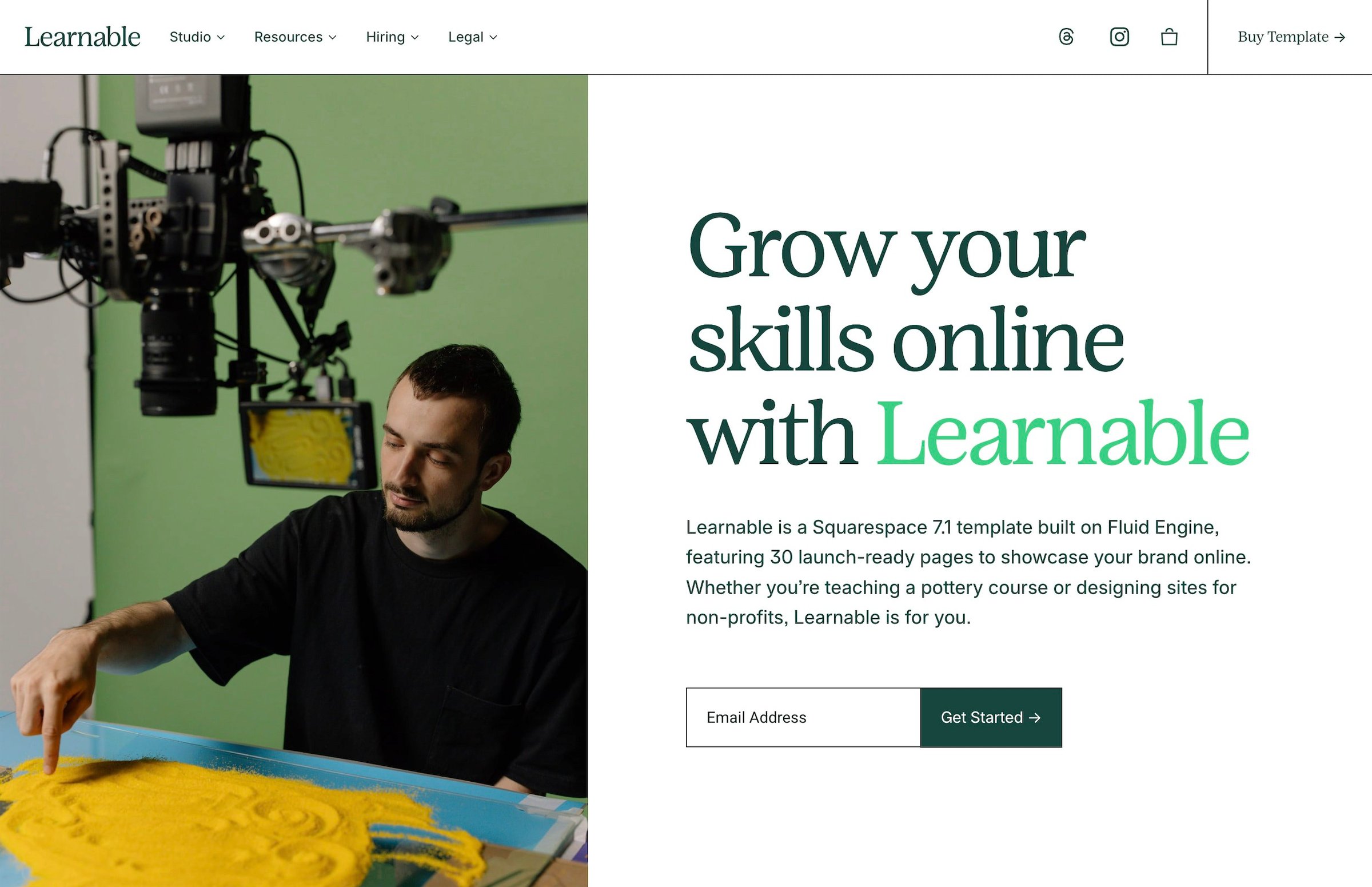
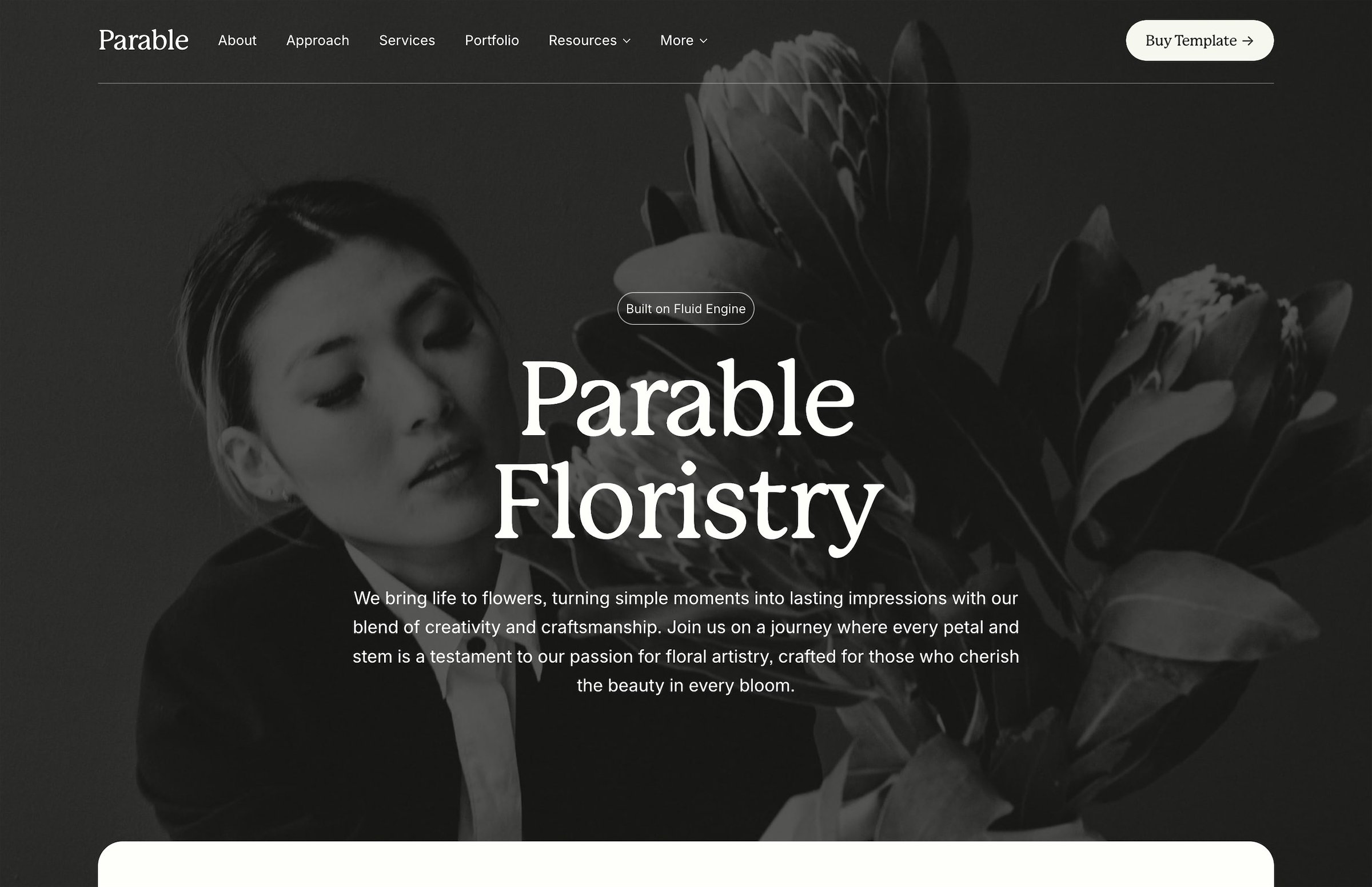
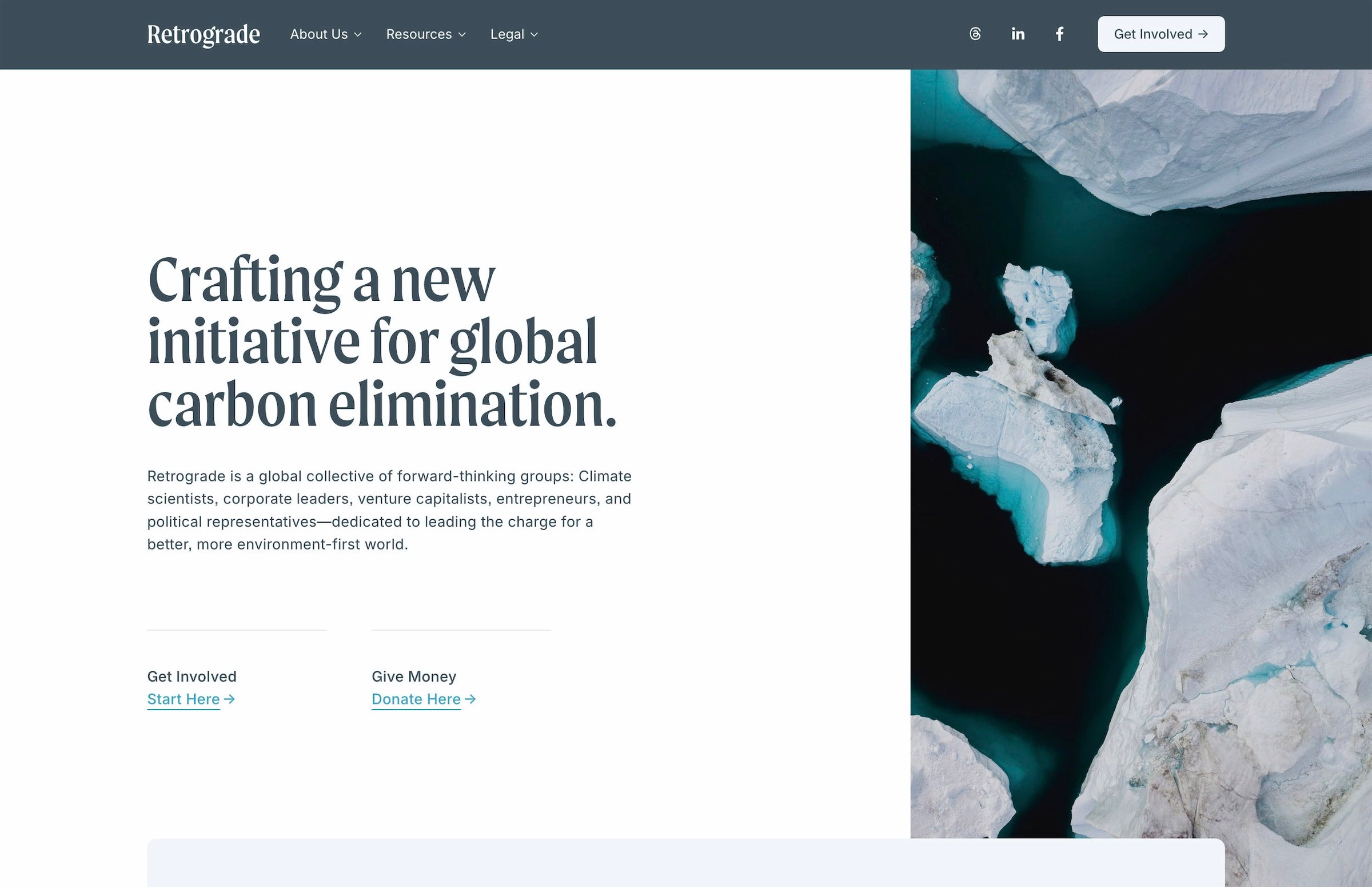
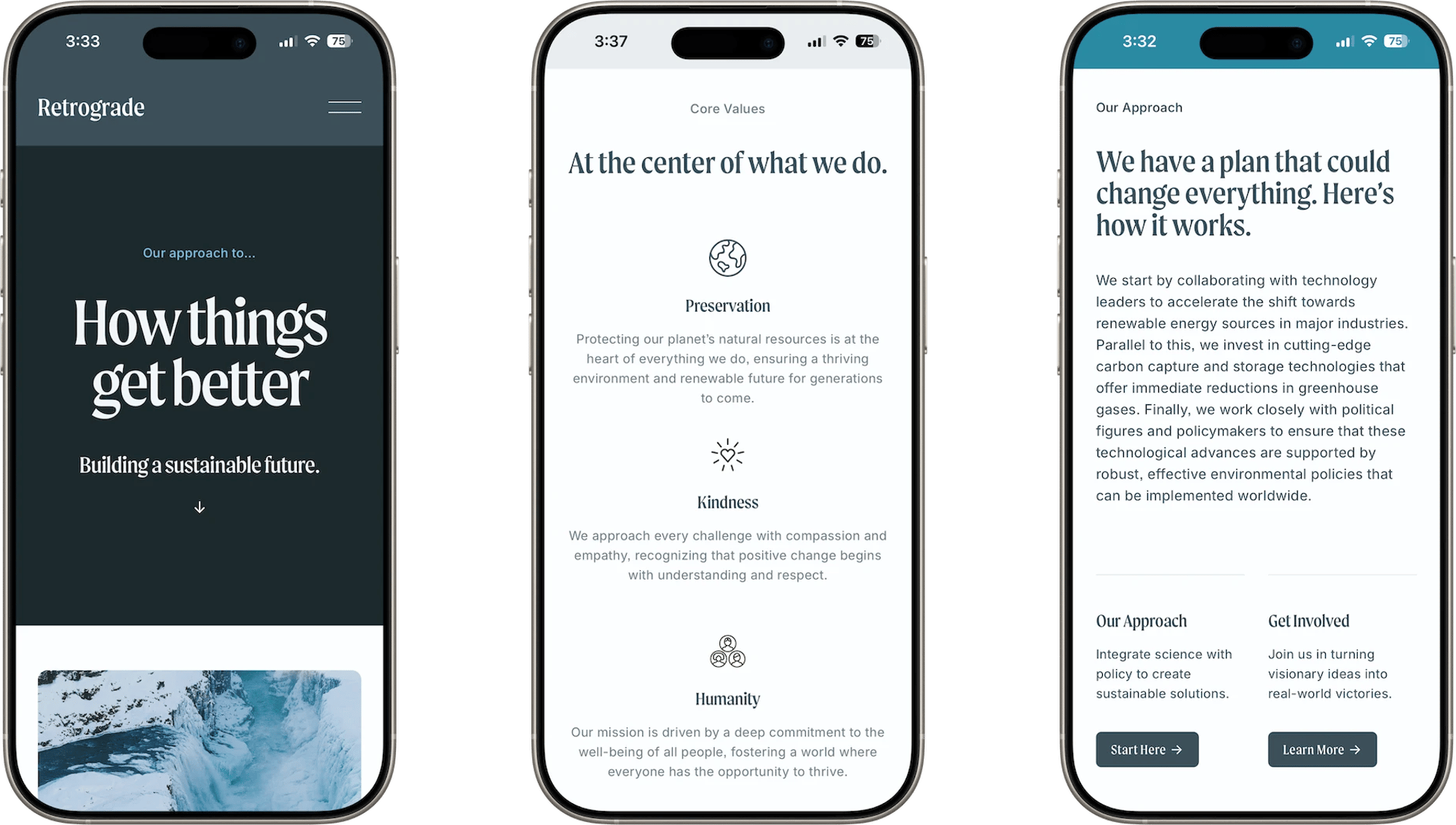
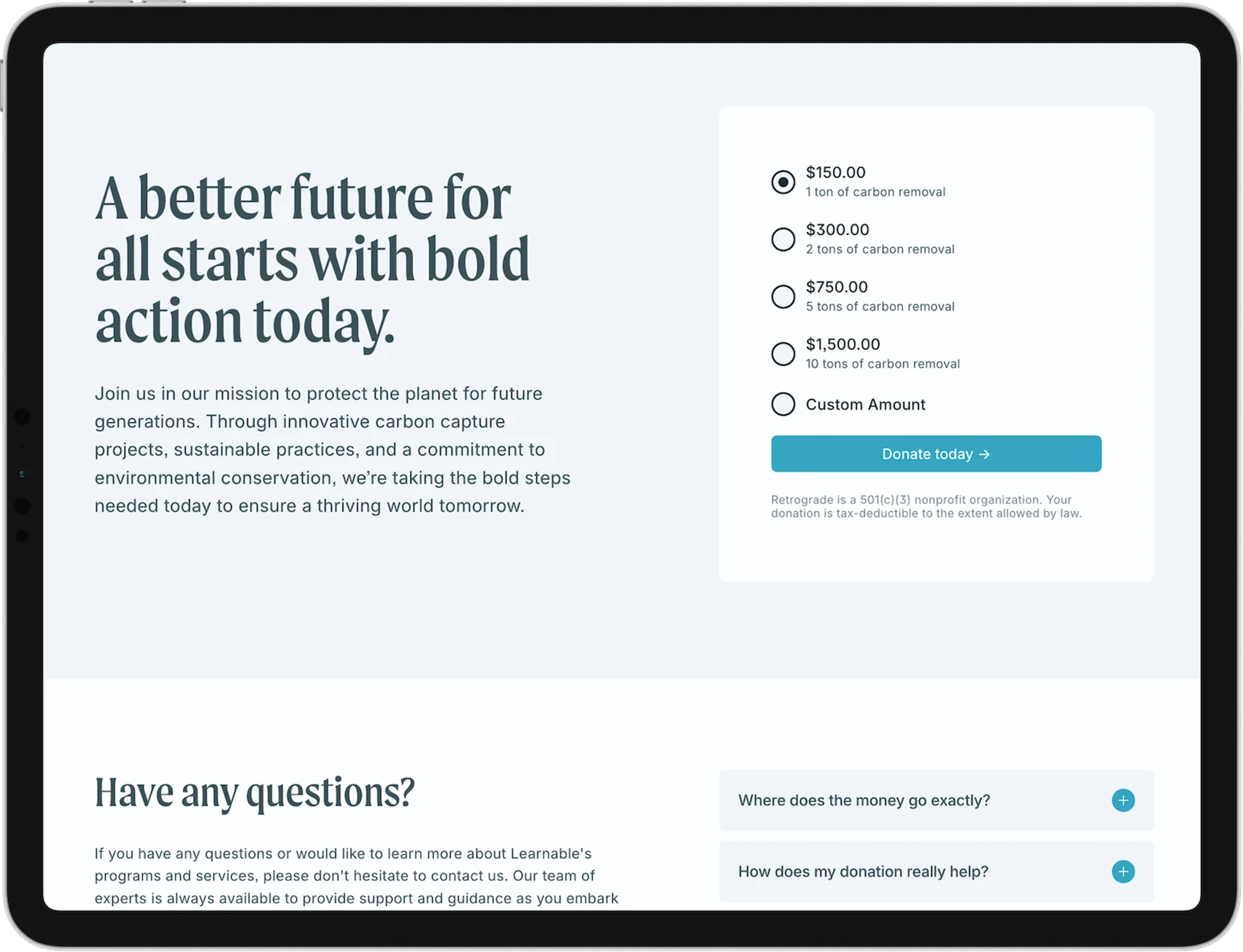
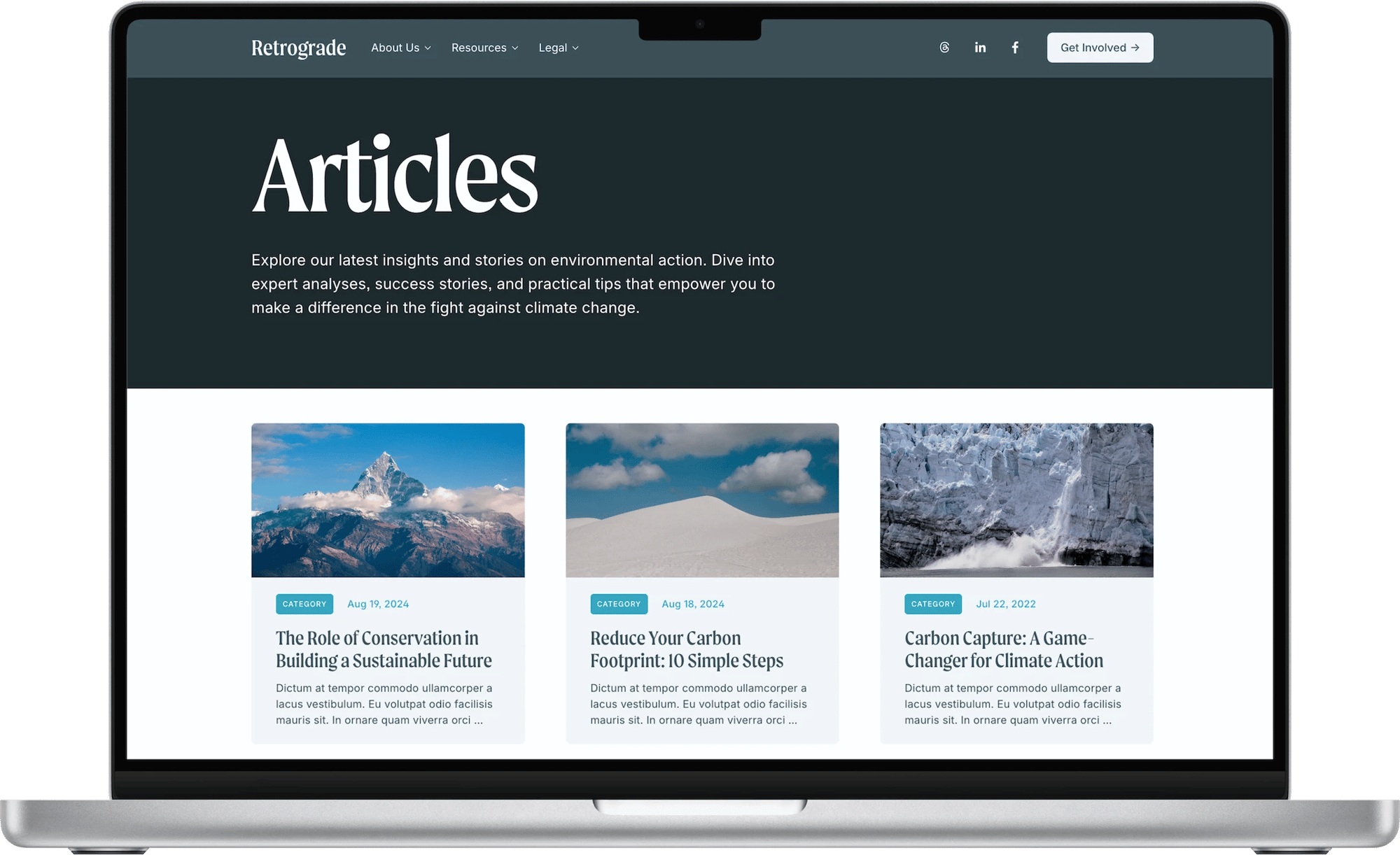
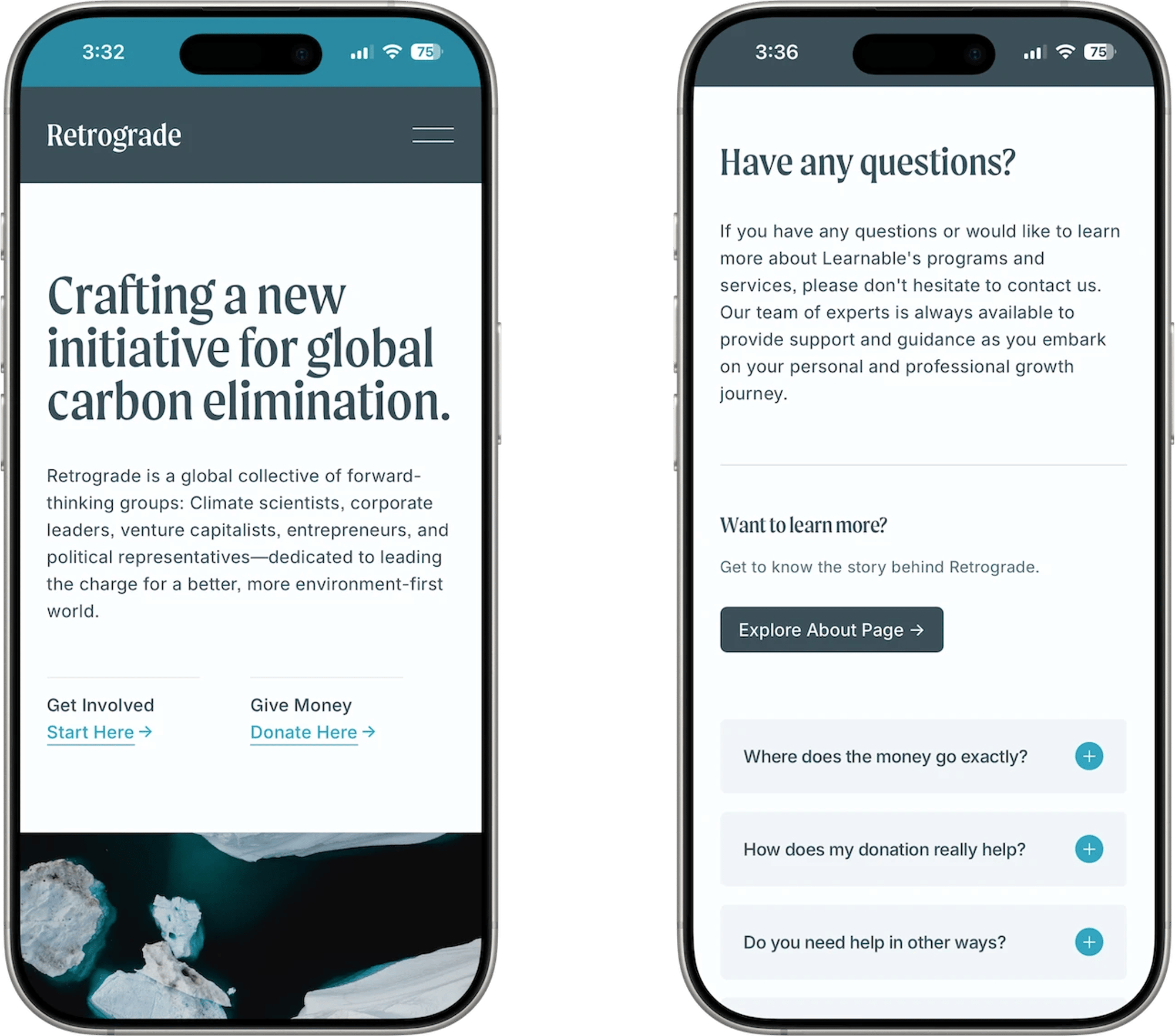
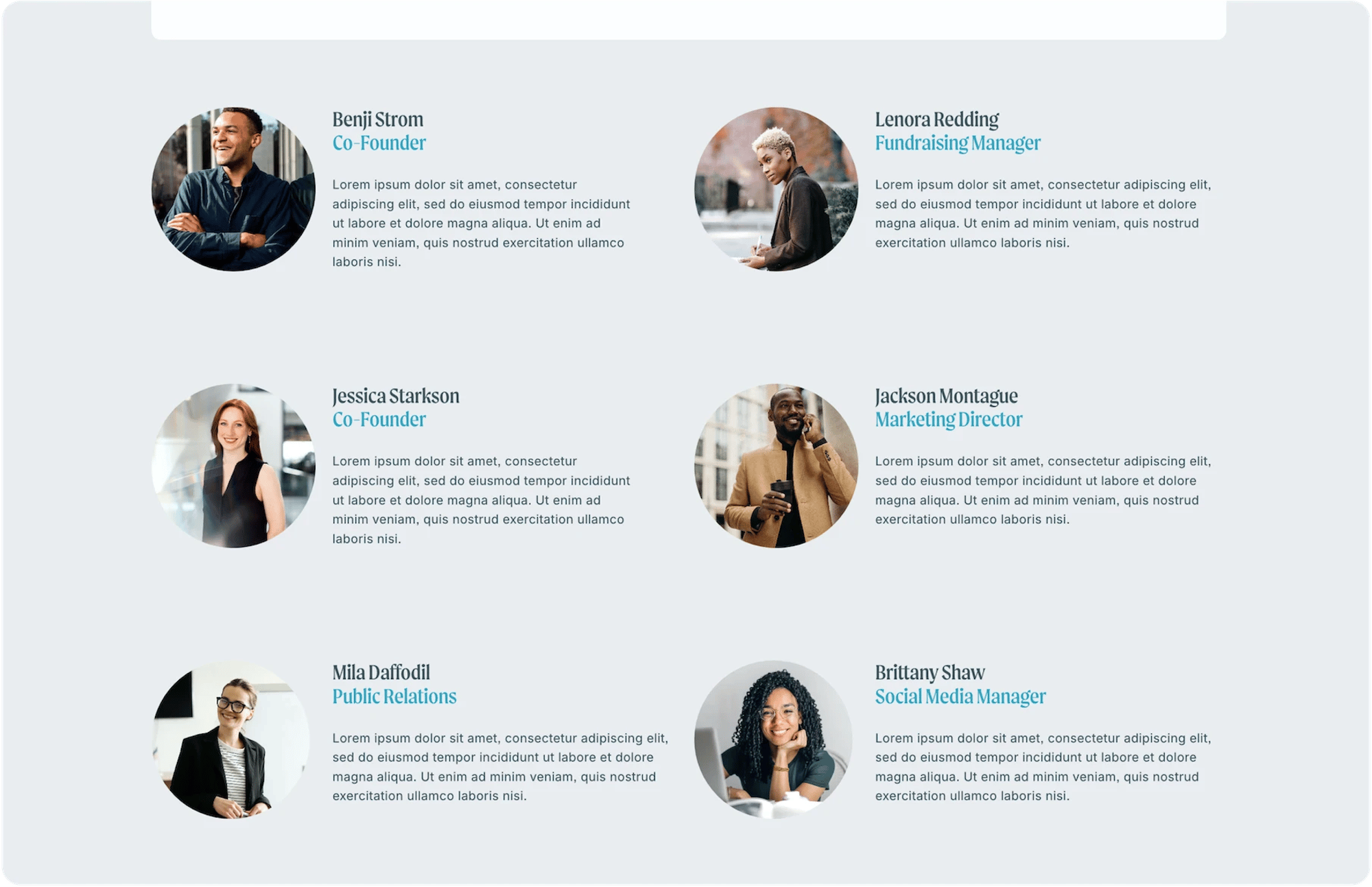
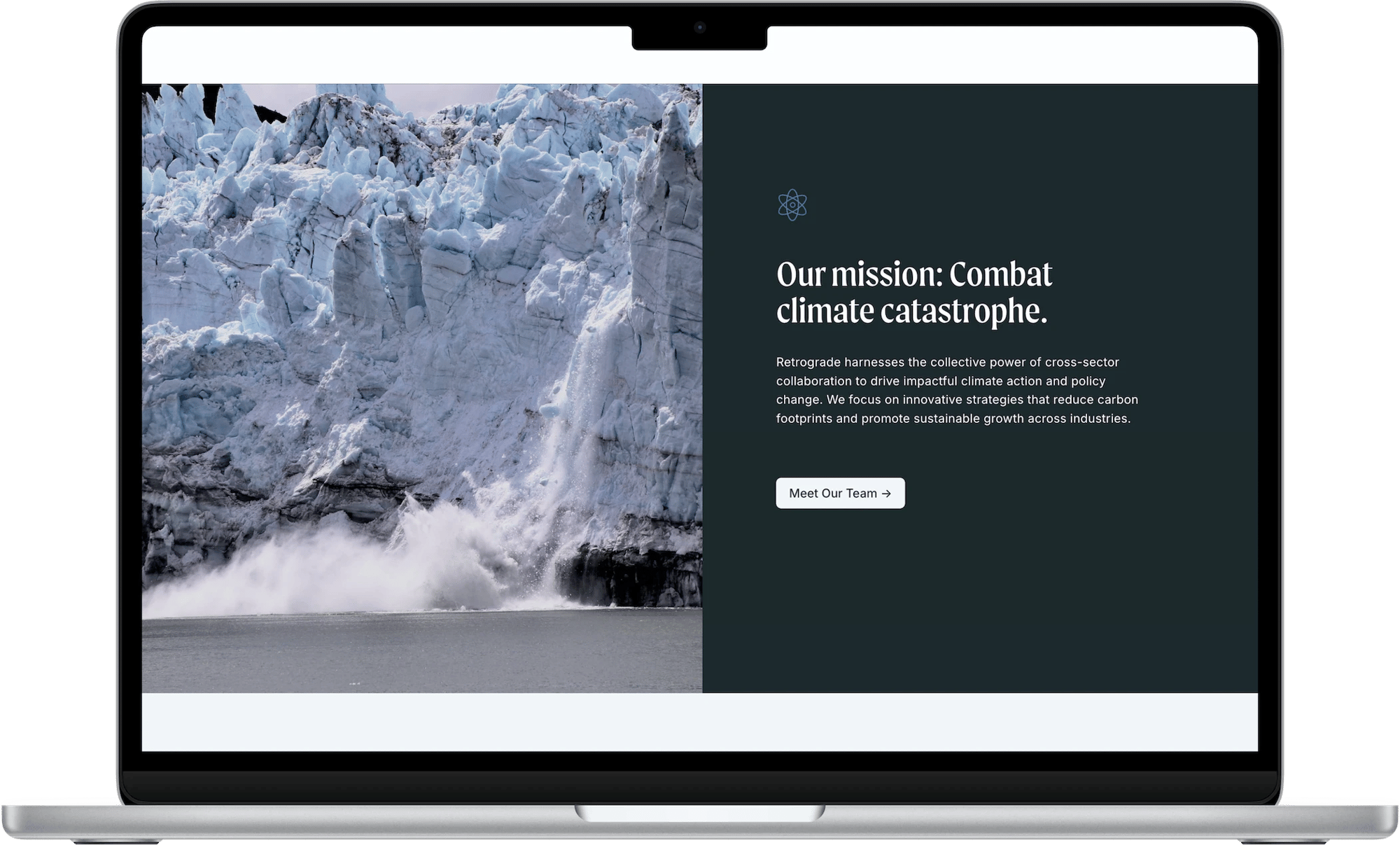
Bold, expressive, and built for momentum. Retrograde pairs an editorial voice with room for stories, partners, and calls to action that get people involved.
Buy once and use it on as many sites as you like, yours or your clients', at no extra cost. Duplicate your copy in Squarespace to start each new project.
Your invite is emailed the moment payment goes through, so you can start right away. Accept it and the finished site appears in your Squarespace account.
Email a Squarespace expert whenever you get stuck, for as long as you use it. Help covers setup, the template's custom code, and questions after client handoff.
A Squarespace Core, Plus, or Advanced plan, since the design relies on custom code. Each template is a new site, so it can't be applied to one you already have.
Not the right fit? Request a refund within 7 days, as long as the template hasn't been published or copied. Refunds usually arrive in 5 to 10 business days.
What customers say
The Retrograde template was just what I needed for a local community non-profit organisation. Aaron has been so helpful with every query that I have had - the after-sales support is excellent and I would definitely use again.
Retrograde is amazing! When you think about buying Squarespace templates, you want to save you time and be beautiful beyond the standard offerings. Many template brands sell a design and leave you with a lot of work to finalize… Studio Mesa makes it easy. I’ve purchased every template offered!
Studio Mesa’s designs are brilliant and user-friendly, and the customer service is second to none. Aaron is responsive and will happily answer any question you have quickly and efficiently. I’m so happy with my new site, and I can’t recommend them enough!
This is my second time purchasing a template from Studio Mesa (but I’ve bought over 80 from other providers) and their templates are without doubt, the most beautiful, streamlined, clean, and stylish templates on the market! I am SO impressed. Thanks for creating such magic for us to use and share.
Common questions
Nope—all of my templates utilize the simple drag-and-drop functionality that put Squarespace on the map, making them incredibly easy to get started with.
Every template purchase comes with an unlimited license: This means you can use your template purchase as many times as you'd like. I'd recommend making a duplicate copy of your purchase before using it for a project so that if you need to reference the original it's still available.
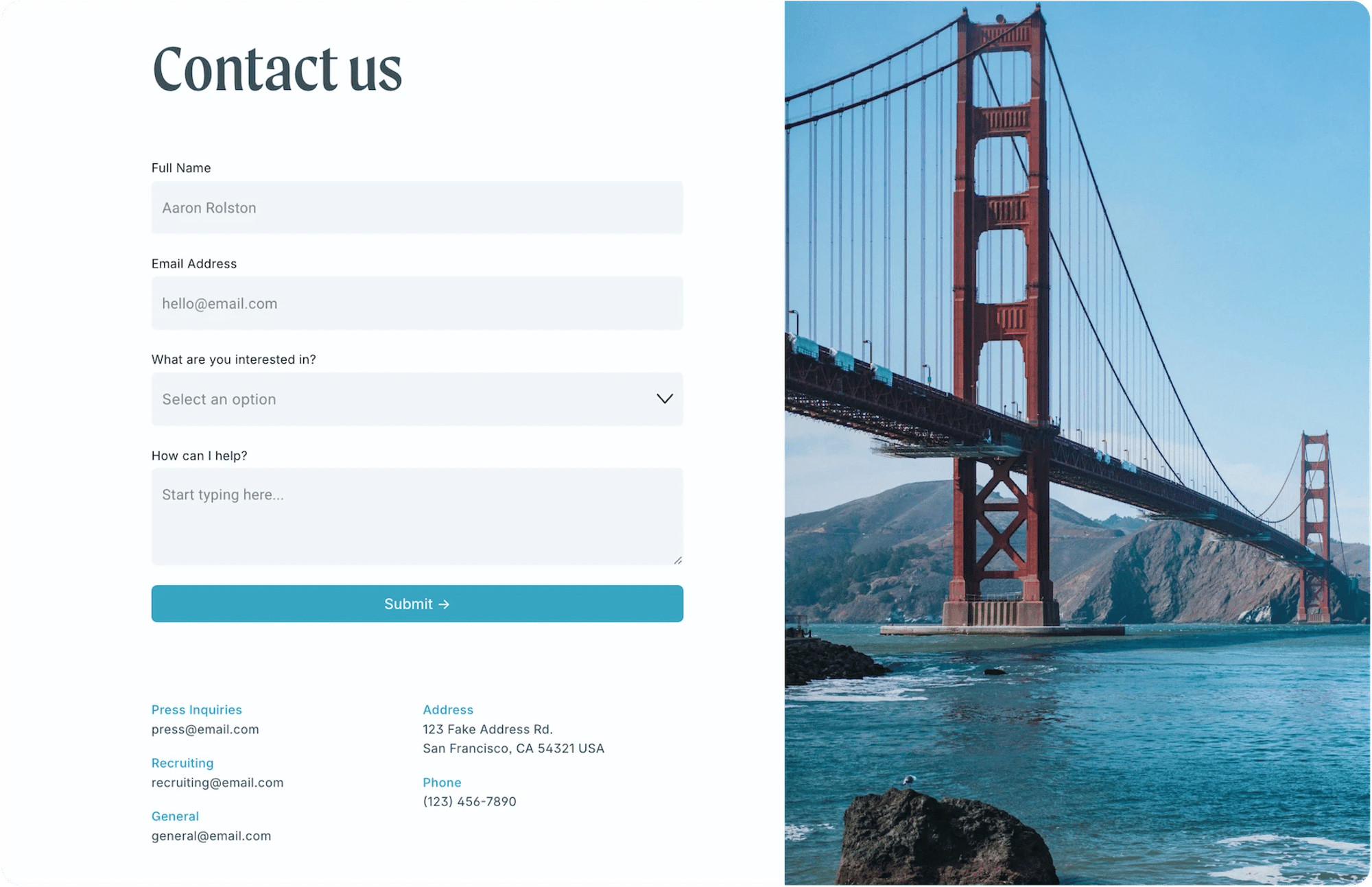
There sure is! Fill out the Contact Form with a little bit of info about your project and I’d be happy to give you a 30% off code to use on your next template purchase.
Yes. Every template purchase includes a 25% discount on your first year of a Squarespace Core, Plus, or Advanced plan. You'll get the code with your template, and it applies when you subscribe the site you've been given.
The discount is on Squarespace's own hosting, not on the template, and it stacks with the annual billing saving Squarespace already offers.
After checkout is complete, you’ll receive an automated email with an invite link to your copy of the template. Once you’ve accepted the invite, all that’s left is to customize and add your content.
Yes, you may request a refund within 7 days of purchase. See the Refunds page for more details.
Just as much as a “regular” Squarespace website! Fonts, colors, layouts, blocks, pages, etc. will function just as you’d expect. Please refer to the Squarespace Help Center to learn more about general platform use, and explore the Support page to get more details on template-specific customizations.
Yes! The pages you see in Studio Mesa templates are just the start—you’re free to duplicate, reuse, and customize them as much as you’d like while still having the flexibility to add more pages later.
You’re always just an email away from getting the support you need. The most common uses of this perk: If you run into any issues with the template, you need help customizing something that’s custom coded in CSS, or can’t figure out how to make something work for your project. In most cases, I’ll simply advise and give instructions on how to change something—but occasionally, I’ll request access to your project and take a closer look at what’s going on.
No. Templates are essentially standalone websites that are already fully built out with the design, layouts, and style you see in the demo site. Because templates are not “themes” that can be switched on and off, you’ll have to build your new site from scratch, copying over content from your previous site.
Transferring site ownership is a manual step in Squarespace, and I do it within a week of your purchase. Until then you are added as a contributor, so you can start editing right away. If you need ownership sooner (for a client handover, for example), send me a message after purchase and I will move it up.
All Studio Mesa Templates are built exclusively for Squarespace 7.1 Fluid Engine (the most current version), which offers the latest features, ongoing updates, and most advanced formatting that Squarespace has to offer. Note: Templates cannot be modified to work with Squarespace 7.0.
Still have a question? Read support docs for more details.