Blog Category Filtering
Filter and sort blog items using categories.
Templates this applies to
- Cove
- Kintsugi
- Learnable
- Venture
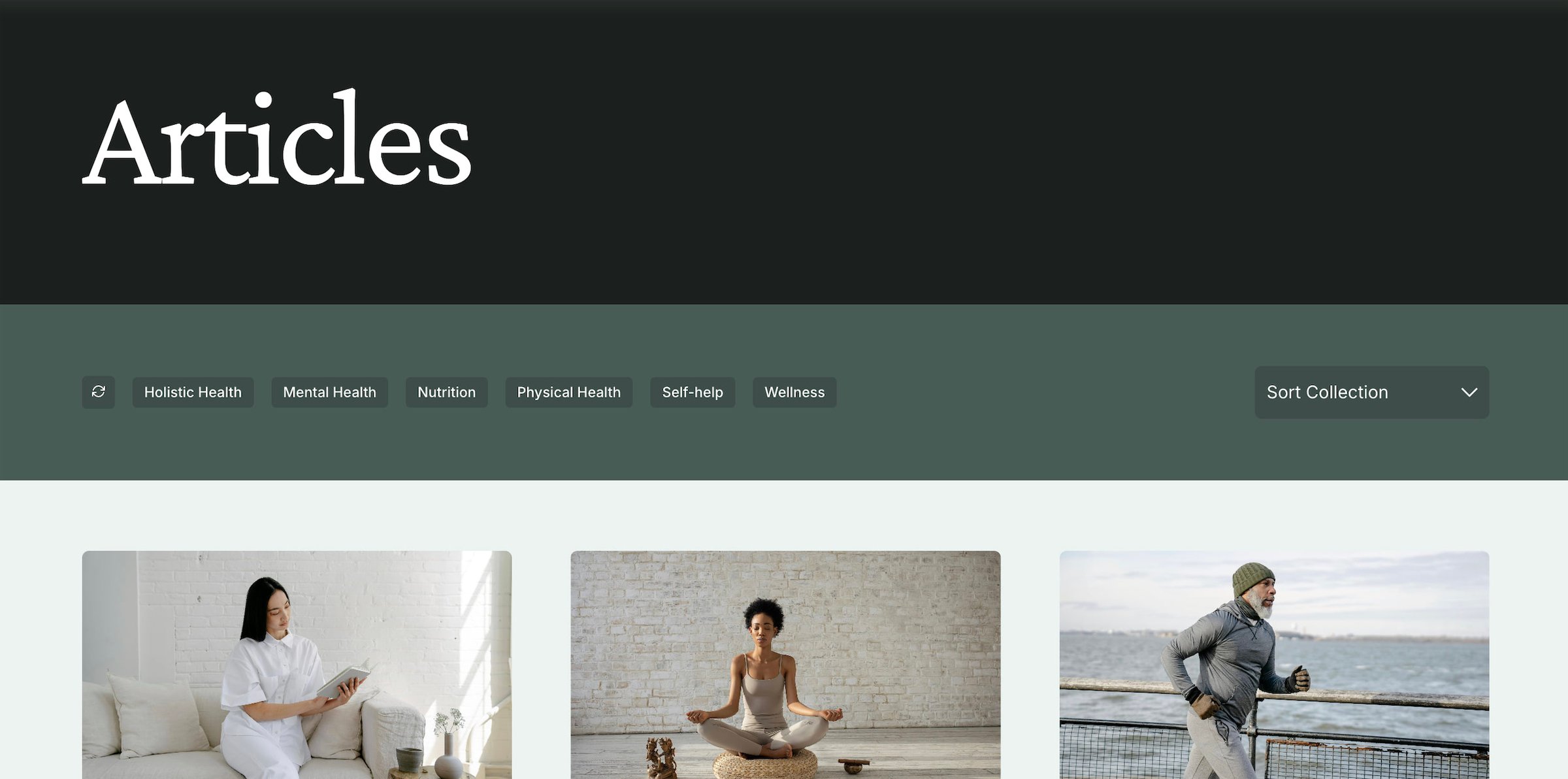
How it works
SM Filter uses code to collect the categories set within a blog collection, assign them to clickable filter buttons, and let you filter and sort the collection. It uses a hidden Archive Block to collect the categories, a code block with HTML for the customized buttons, some page code injection for making everything work, and a custom section height of 13 to retain styling that allows the sorting dropdown to overlap sections.
Important note: As of October 4, 2024, Squarespace has a bug where duplicating a site makes the Archive Block reset, which causes the filtering to break. Here's how to re-select the correct category collection:
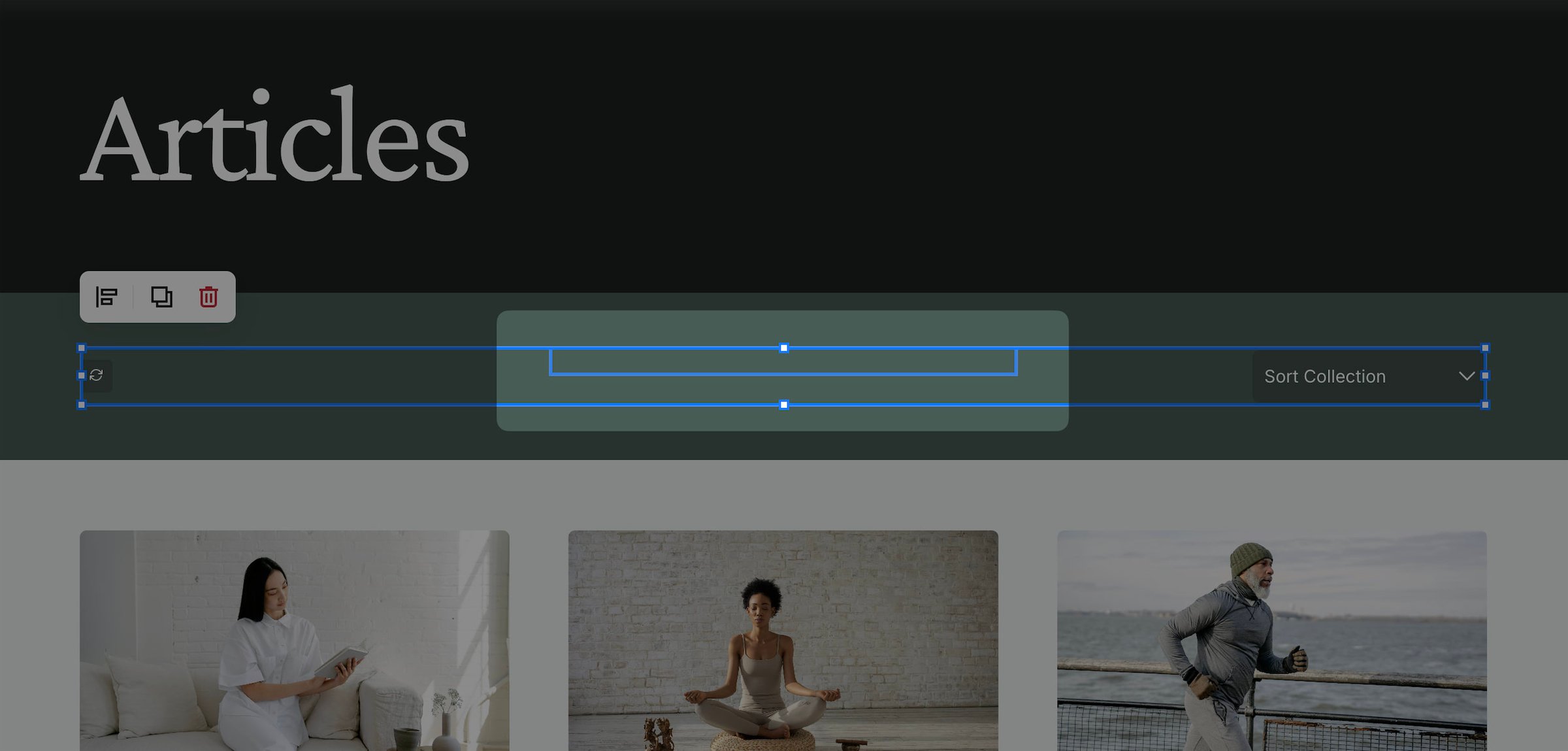
While editing the page, click and drag over the filter section to highlight all blocks. You should see two blocks.
The Archive Block is the smaller one in the center. To select it, shift + click on the larger block to de-select it.
You can't double-click to edit the block, so click the pencil icon the in top left corner to change.
Select the correct blog collection in the Archive Block and hit save.