Contact Form Looks Unstyled
How it works
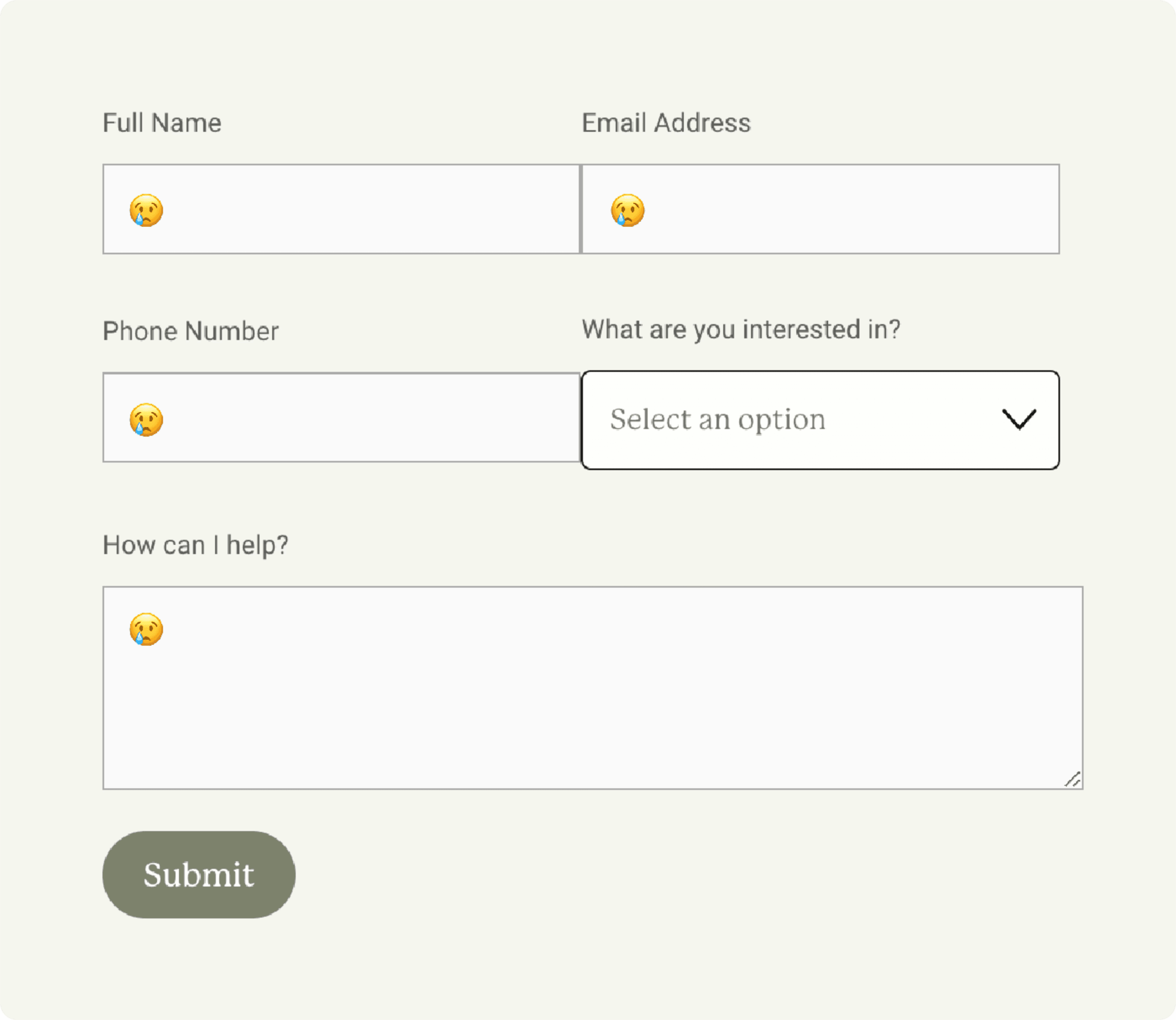
Symptoms
• Form inputs are unstyled or don't match.
• Incorrect input padding or horizontal alignment.
• Some parts of the form are okay, others are not.
Situation
Squarespace has substantially changed the contact form's code like 4 times in the last two years. Because I can't retroactively change template sites, sometimes the CSS used to customize in the past will conflict with what's in the latest update.
Solution
• Delete the Contact Form section within Custom CSS. The location of this will vary depending on the template you're using (⌘ + F will not work to search for it, sorry).
• Delete all code in the Page Injection for page with the form.
• Add new form styles via the Forms section in Site Styles
Extra
Squarespace still doesn't have a way to put two inputs on a single row (cringe), so you can use this code to make it work. Paste it into the Code Injection on the page with the form — the (number) in each item in the code corresponds to the input in the form. If you have more or less, simply add or remove that item from the code.
<style>

@media screen and (min-width:800px){
/*Formatting Left Side*/
.form-wrapper .react-form-contents .field-list .field:nth-child(1), .form-wrapper .react-form-contents .field-list .field:nth-child(3){
display: inline-block!important;
width:49%!important;
margin-right:2%!important;}

/*Formatting Right Side*/
.form-wrapper .react-form-contents .field-list .field:nth-child(2), .form-wrapper .react-form-contents .field-list .field:nth-child(4){
display: inline-block!important;
width:49%!important;}}

</style>