Custom List Icons
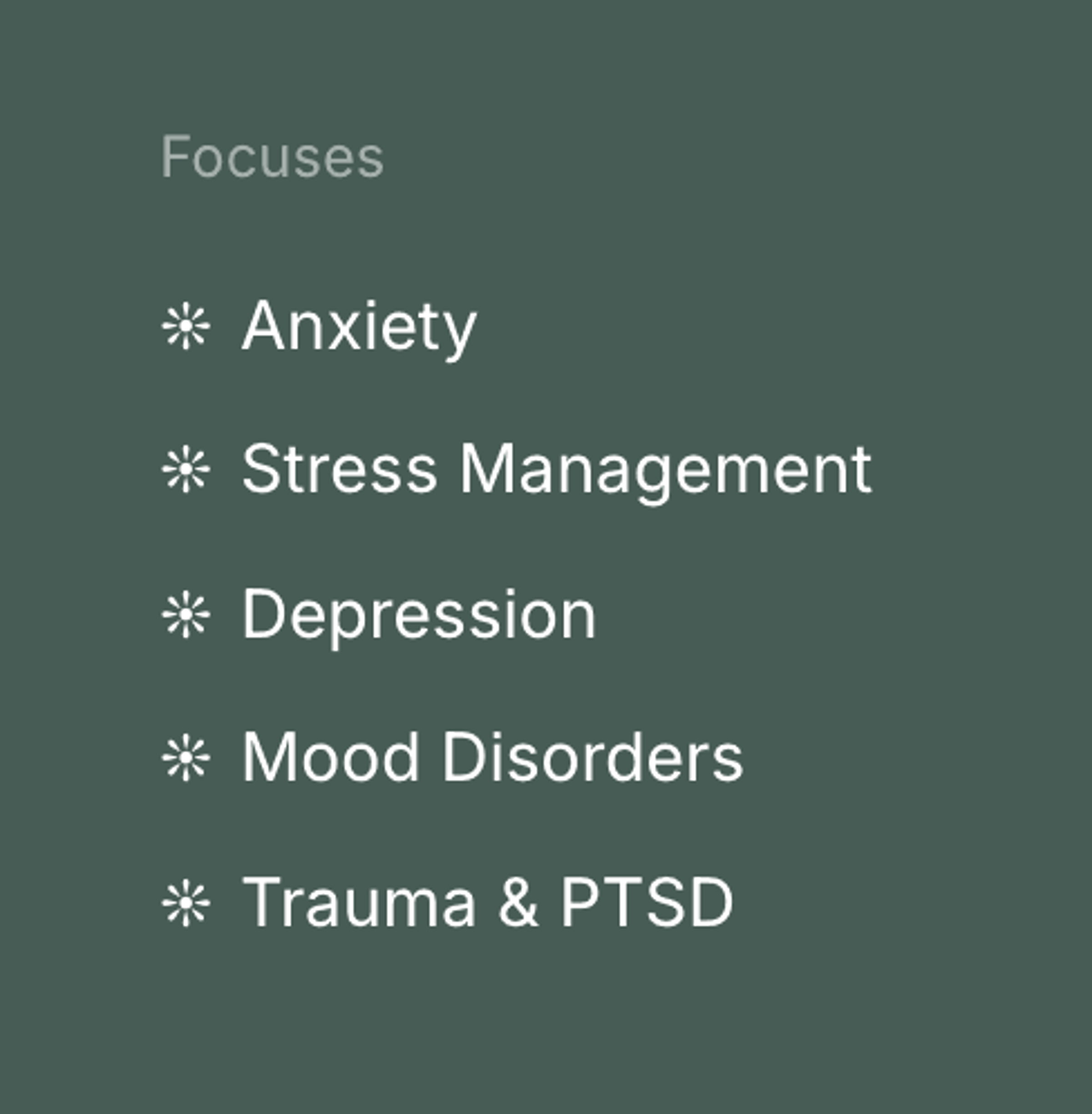
Replace standard • list item markers with whatever text icon you'd like.
Templates this applies to
- Abode
- Cove
- Handshake
- Kintsugi
- Learnable
- Marigold
- Nautilus
- Opponent
- Parable
- Quantum
- Retrograde
- Sidecar
- Tandem
- Venture
How it works
In the Custom CSS window, simply change the text icon within the variable labeled --list-icon to see an immediate change in the list design. Note: You can also manually change the color of a list item (ex: something that's not included in a pricing card) and the custom icon will be recolored, too.
