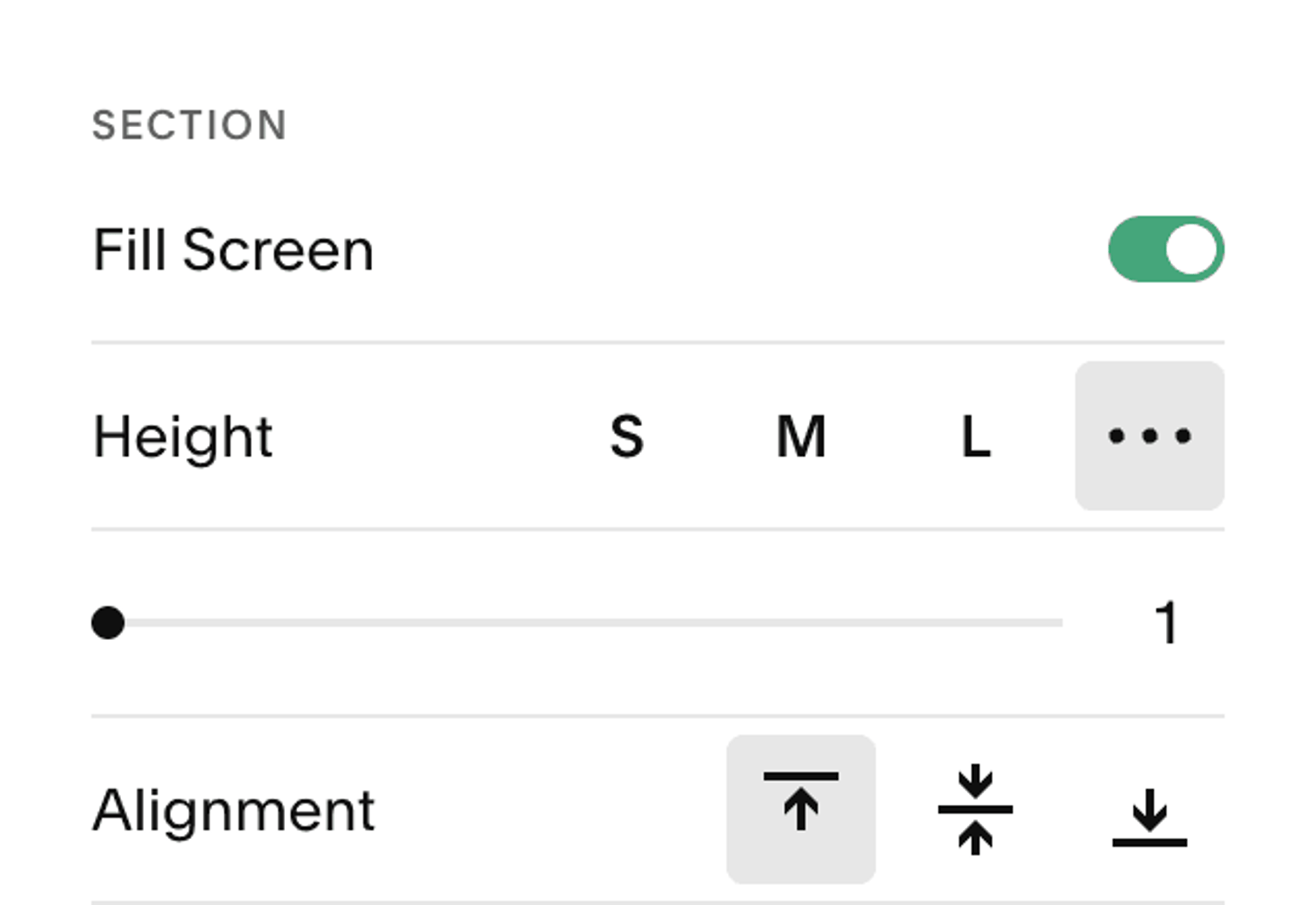
Full Screen Sections
Easily make sections fill the screen, without the limitation of having a huge gap at the top and bottom—enabling split sections for half-screen images.
Templates this applies to
- Abode
- Cove
- Handshake
- Kintsugi
- Learnable
- Marigold
- Nautilus
- Opponent
- Parable
- Quantum
- Retrograde
- Sidecar
- Tandem
- Venture
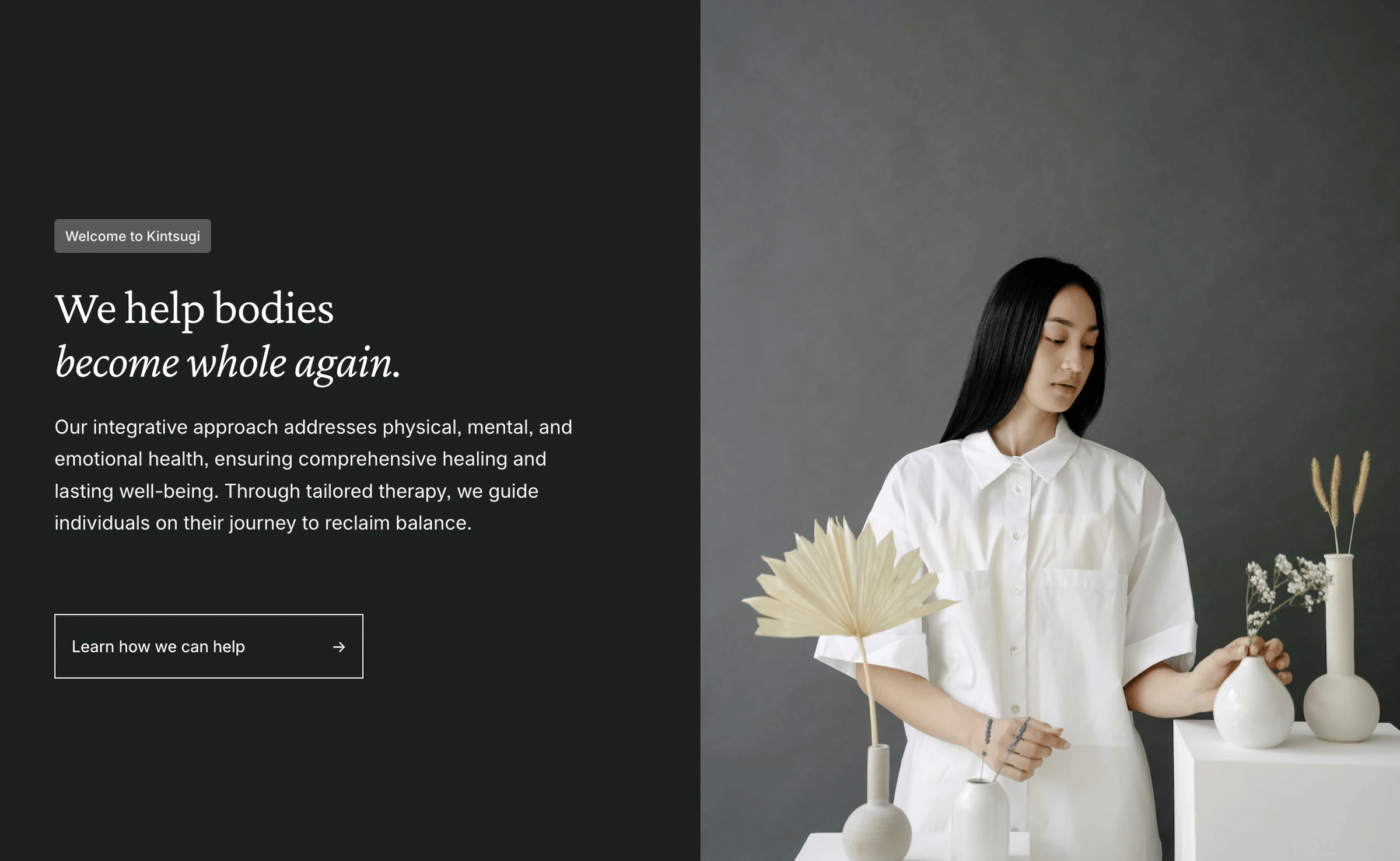
How it works
While editing a section, toggle "Fill Screen", select a custom Height of "1", and set the Alignment to the top. This will stretch the section out to 100vh, and allow you to make an immersive section without the annoying gaps at the top and bottom. Note: It may not display the height change before hitting save, and it will likely make the Fluid Engine grid appear strange. But, just position elements as usual and it will format properly after saving!