Logo Grid
Styles a Gallery Block to display logos in a clean, more sophisticated format than the typical logo wall.
Templates this applies to
- Abode
- Handshake
- Kintsugi
- Quantum
- Venture

How it works
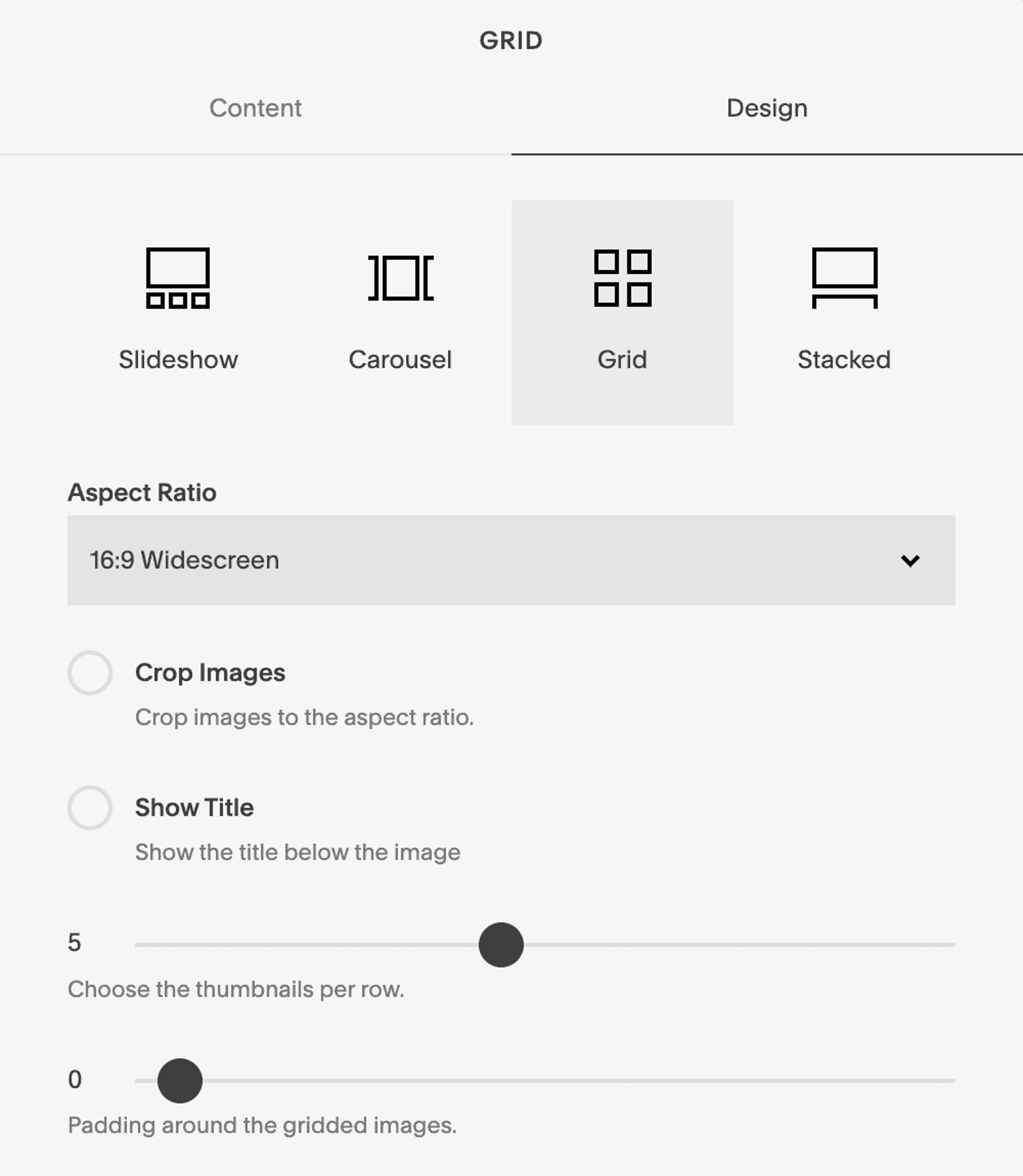
In a Gallery Block set to Grid, set the aspect ratio to 16:9, deselect "crop images", pick the number of items per row, and remove all padding. To change the color of the border, adjust the "Stroke Color" within that color theme's settings in Site Styles.