Overlap Sections
Make a section overlap adjacent sections by 2 Fluid Engine grid units, creating a clean continuity of design.
Templates this applies to
- Abode
- Cove
- Handshake
- Kintsugi
- Learnable
- Marigold
- Nautilus
- Opponent
- Parable
- Quantum
- Retrograde
- Sidecar
- Tandem
- Venture

How it works
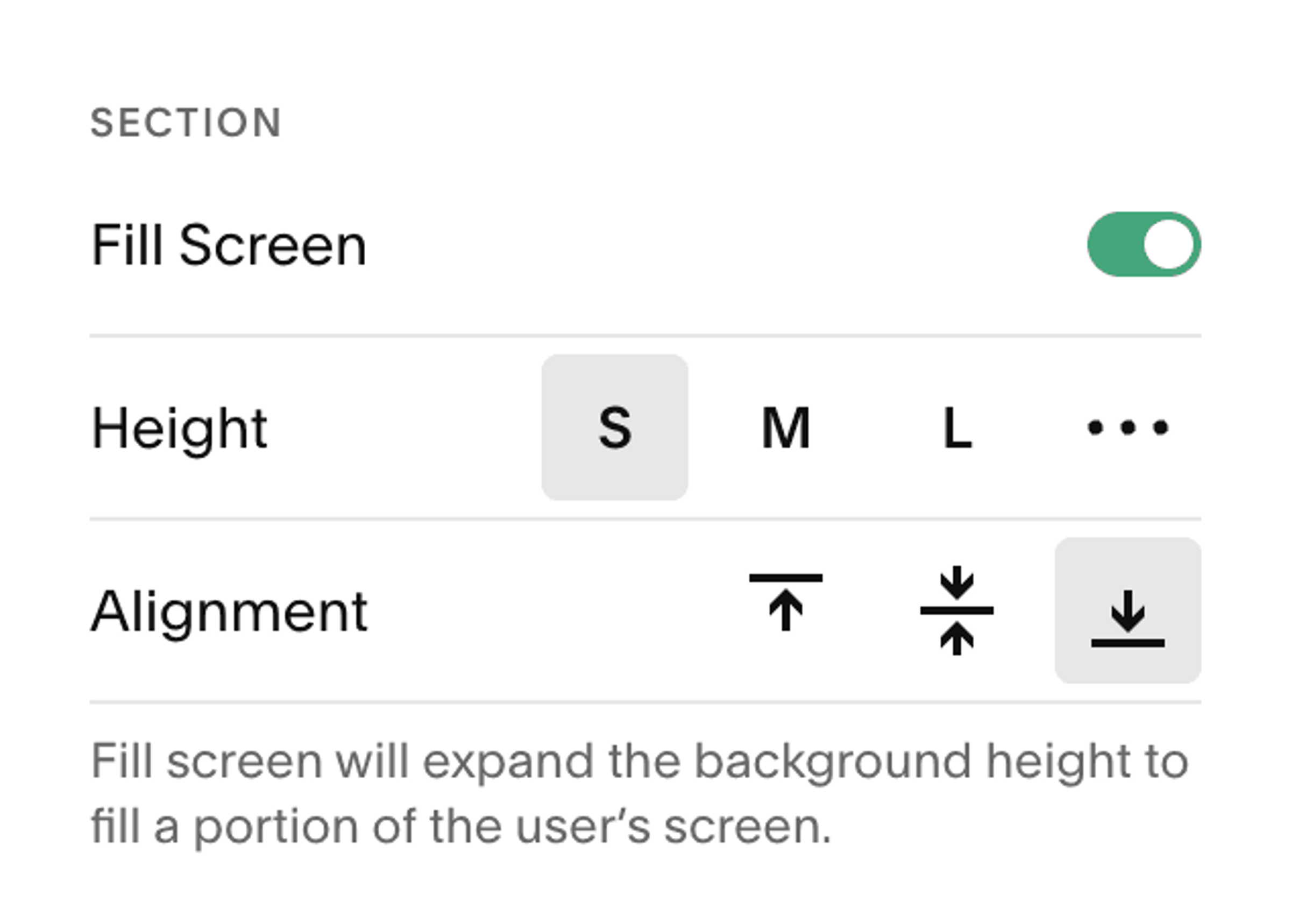
While editing a section, set the Alignment to "bottom", and you should see an immediate shift in the placement of content. At first, there won't be a background behind the overlapping content—the easiest way to add one is a Shape Block. Simply drag one onto the canvas, resize, and add styling. Note: This overlap happens on mobile too, so double-check on that breakpoint to see if anything is being covered, and adjust accordingly.