Overlapping Nav Drowpdown Chevron
Fix an overlapping menu dropdown icon.
Templates this applies to
- Abode
- Cove
- Handshake
- Kintsugi
- Learnable
- Marigold
- Nautilus
- Opponent
- Parable
- Quantum
- Retrograde
- Sidecar
- Tandem
- Venture

How it works
Symptoms
Navigation dropdown folder's chevron is overlapping the folder's label
Situation
Studio Mesa templates were launched before Squarespace allowed for native dropdown icon customization, and some styling conflicts with the new styles, causing an overlap of the previously added chevron.
Solution
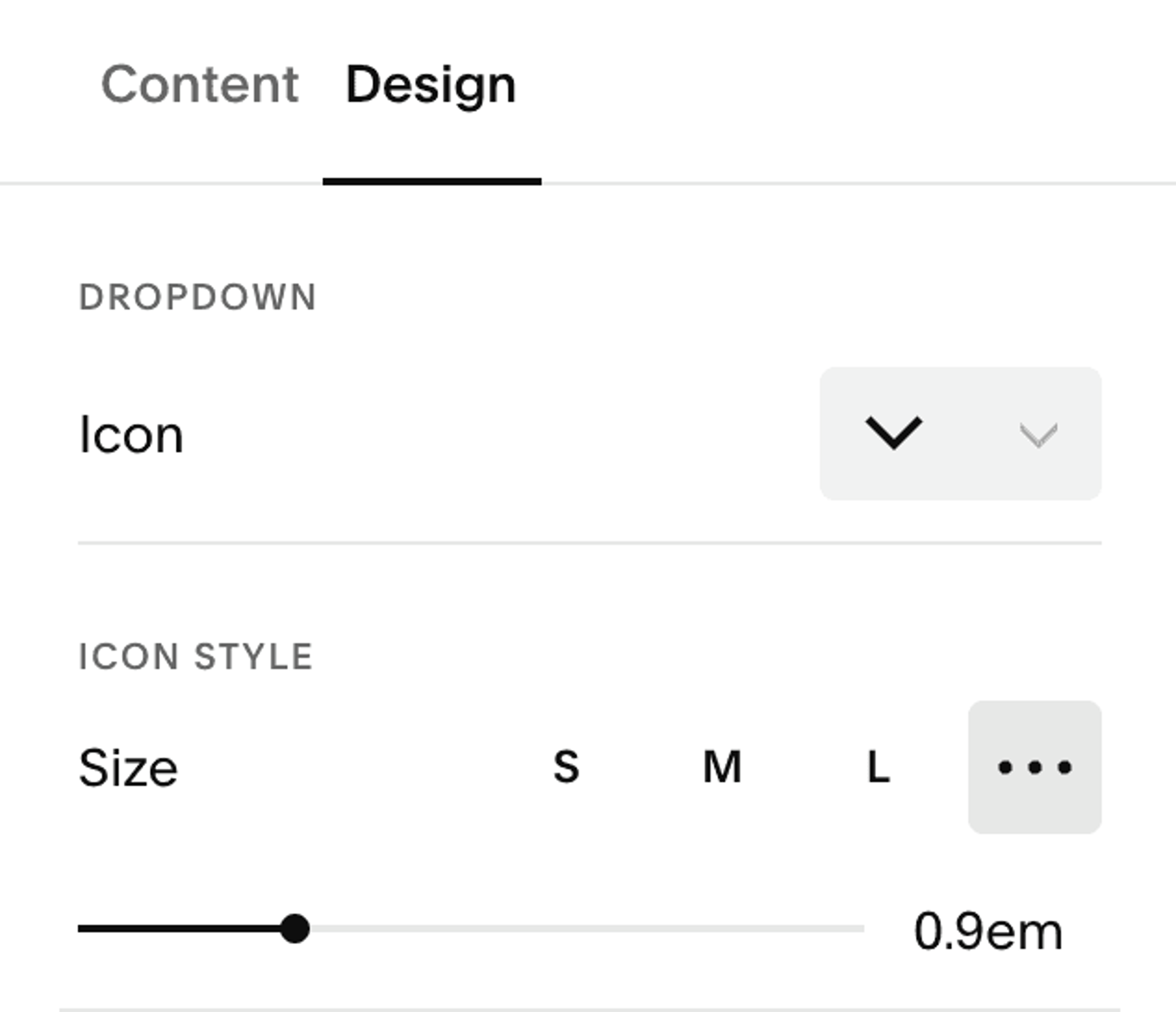
Click your navigation while in edit mode to make changes, then select the nav items menu. Go to the "Design" menu and select a new icon—this will override previous dropdown styling. Add the styling you want and hit save.