Parable Testimonials
How to update the Testimonial Carousel on Parable.
Templates this applies to
- Parable
How it works
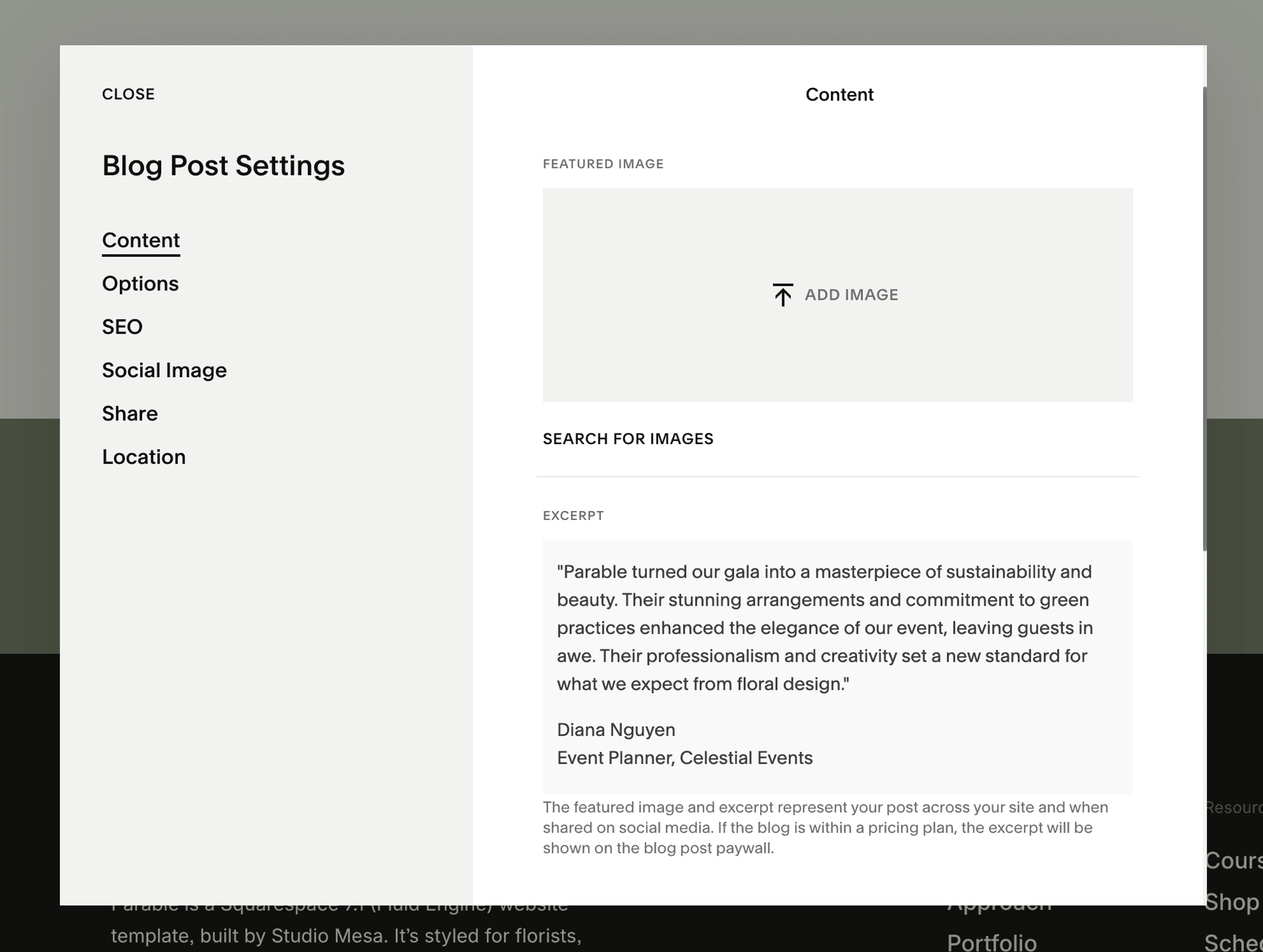
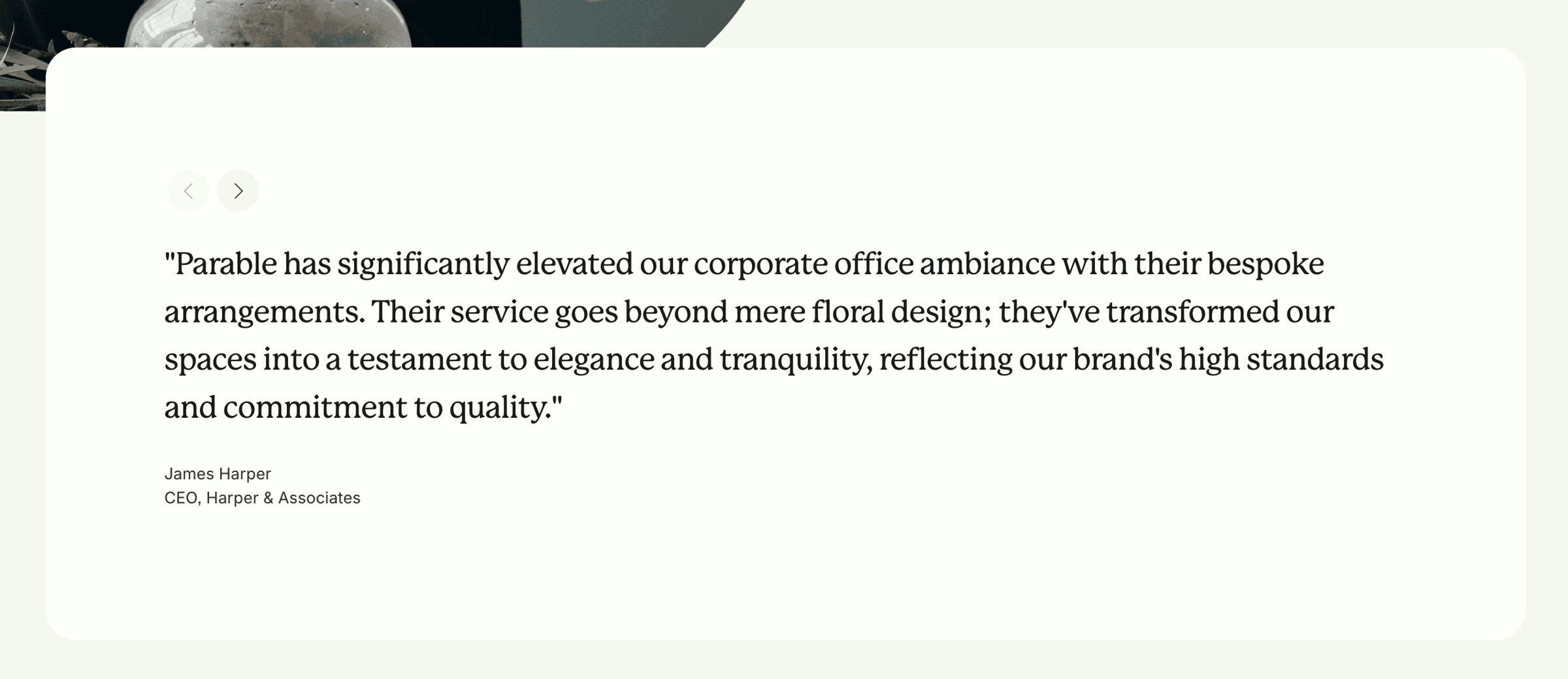
In the Pages menu on your site, navigate to the grayed-out "Testimonials" at the bottom and open the collection to show all of the "posts" within. Click on the three dots next to a post to open up settings — inside, you'll see that the Excerpt is filled in: This is where the Summary Block grabs content. Simply replace the Excerpt content within each post and publish! Make sure to keep all format the same so things format properly.