Self-Host Template Code
Host your Studio Mesa template's CSS and scripts on your own Squarespace site in about ten minutes, so nothing depends on Studio Mesa's servers.
Templates this applies to
- Abode
- Cove
- Handshake
- Kintsugi
- Learnable
- Marigold
- Nautilus
- Opponent
- Parable
- Quantum
- Retrograde
- Sidecar
- Tandem
- Venture
How it works
Studio Mesa's code stays online, so your site keeps working as it is. If you'd rather have everything on your own site instead, this moves it there in about ten minutes. Nothing about the look of your site changes.
Navigate to the site's Header Code Injection.
Find the template stylesheet line near the top (blurred in the example). It's the one with
studiomesa.workers.devin the address.Copy the address inside the quotes, paste it into a new browser tab, and press Enter. You'll see a page of plain code.
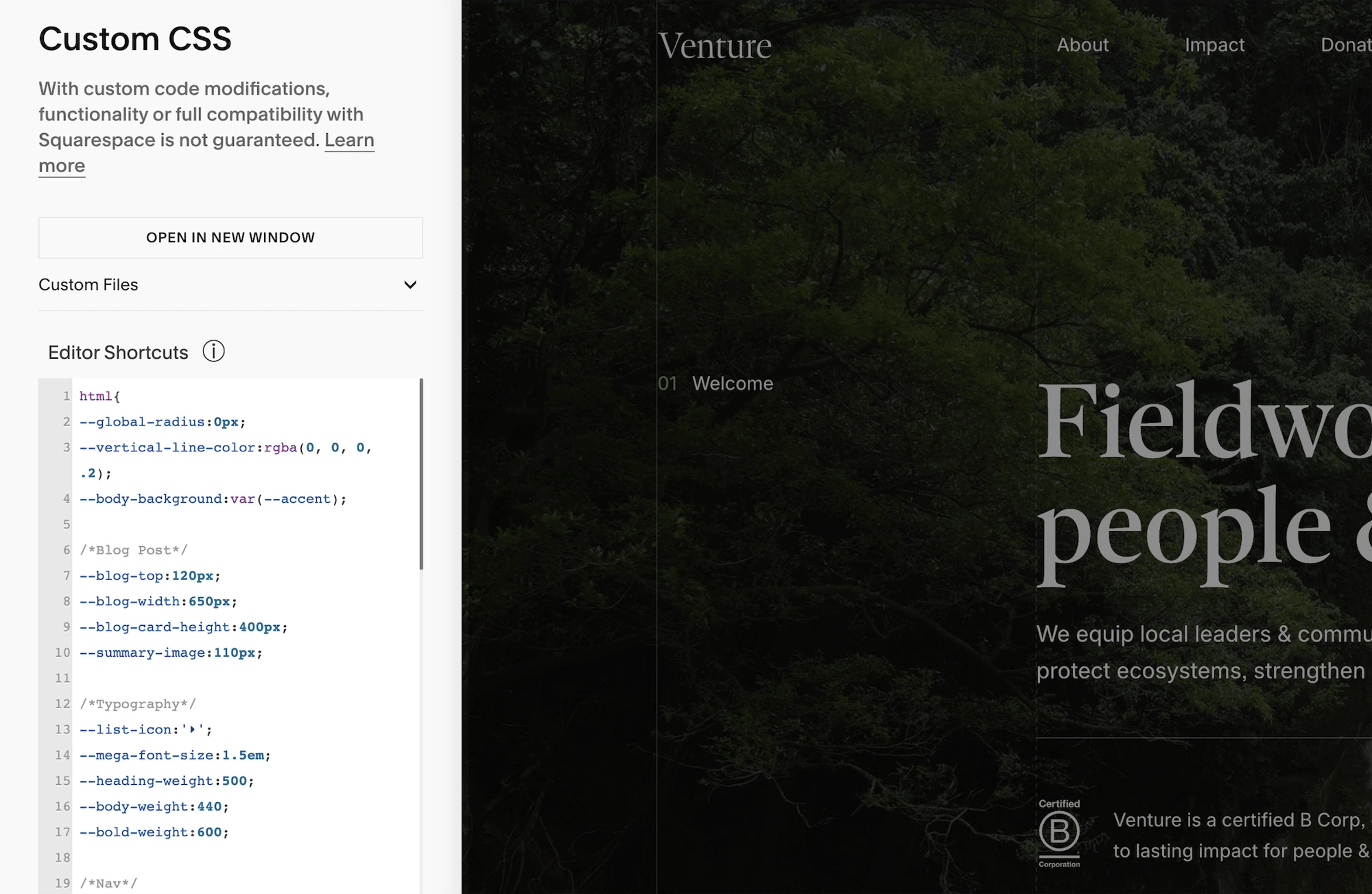
Copy everything on that page and paste it at the bottom of your site's Custom CSS window. Save.
Remove that entire
<link>line from the Header Code Injection and save.
Prefer the editable source? Before step 3, change the word templates to less and the word css to less in the address (only those two words, nothing else). That version is smaller and has the template's colours, spacing, and type as variables at the top. It only exists for addresses that start with templates.studiomesa.workers.dev.
The other Studio Mesa lines. The flex-tweaks stylesheet line works exactly like steps 3 to 5. Script lines with StudioMesa in the address (auto-color, auto-fonts, and on some templates sm-modal, sm-filter, sm-pagination, dynamic-inset-fix) work the same way, except the code goes back into Code Injection in place of the line, wrapped in <script> and </script>. If the original line ends in defer, put it in the Footer injection instead. Lines from other developers (willmyethewebsiteguy, cdn.jsdelivr.net/npm) are not Studio Mesa code; leave them alone.
If something looks off afterwards. Part of the code was missed: open the address again and copy from the very first line to the very last. If your own custom CSS stopped applying, move it below the pasted code.
