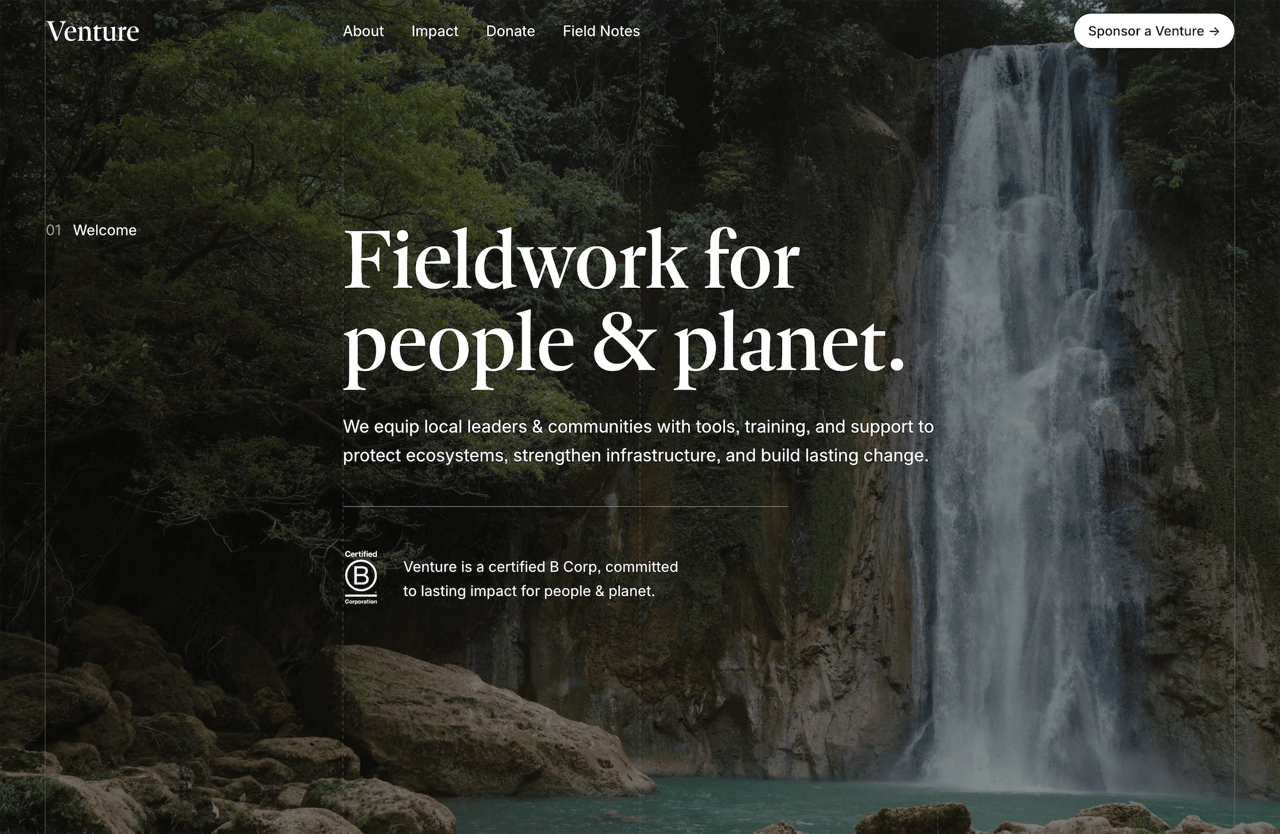
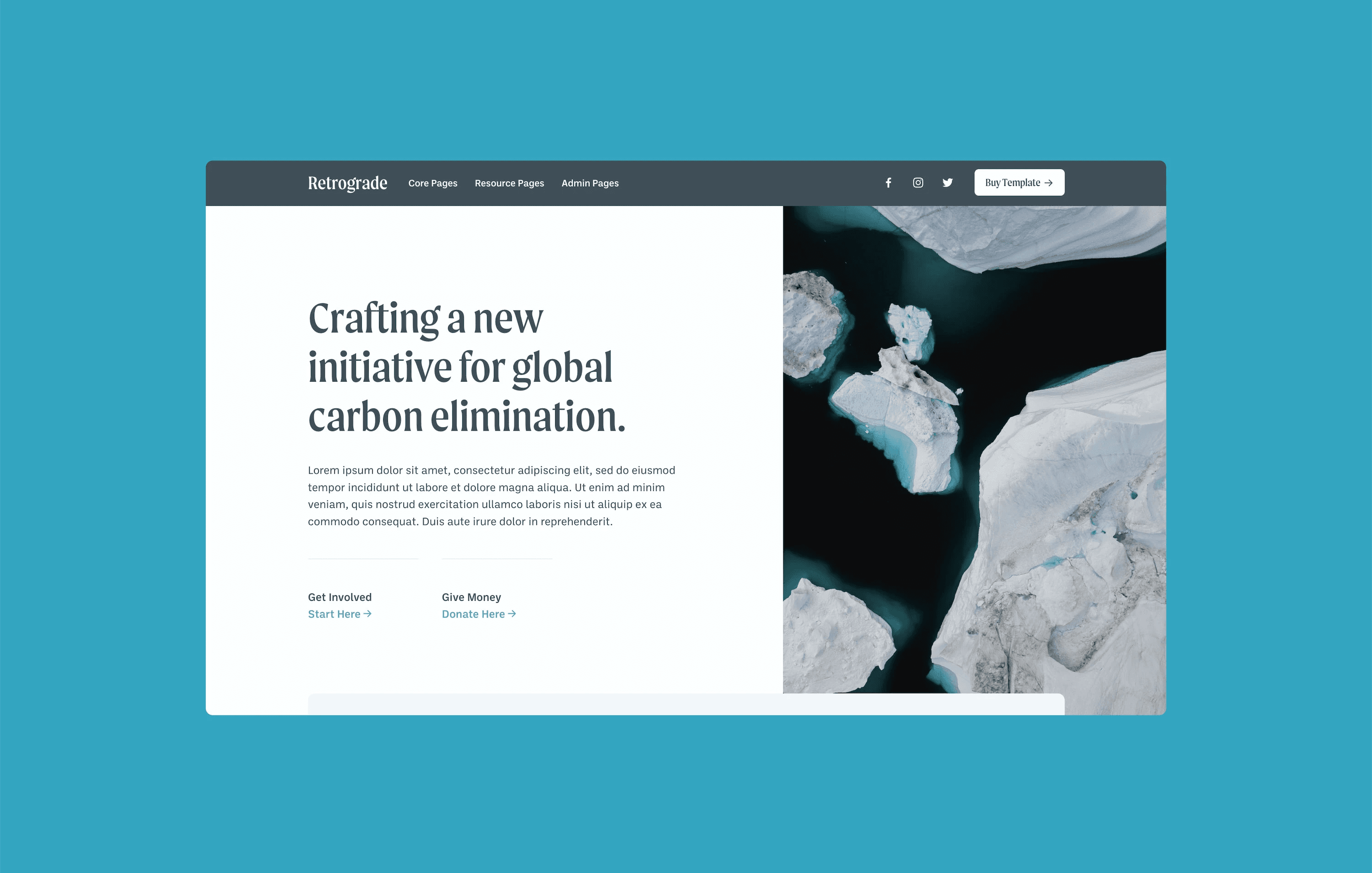
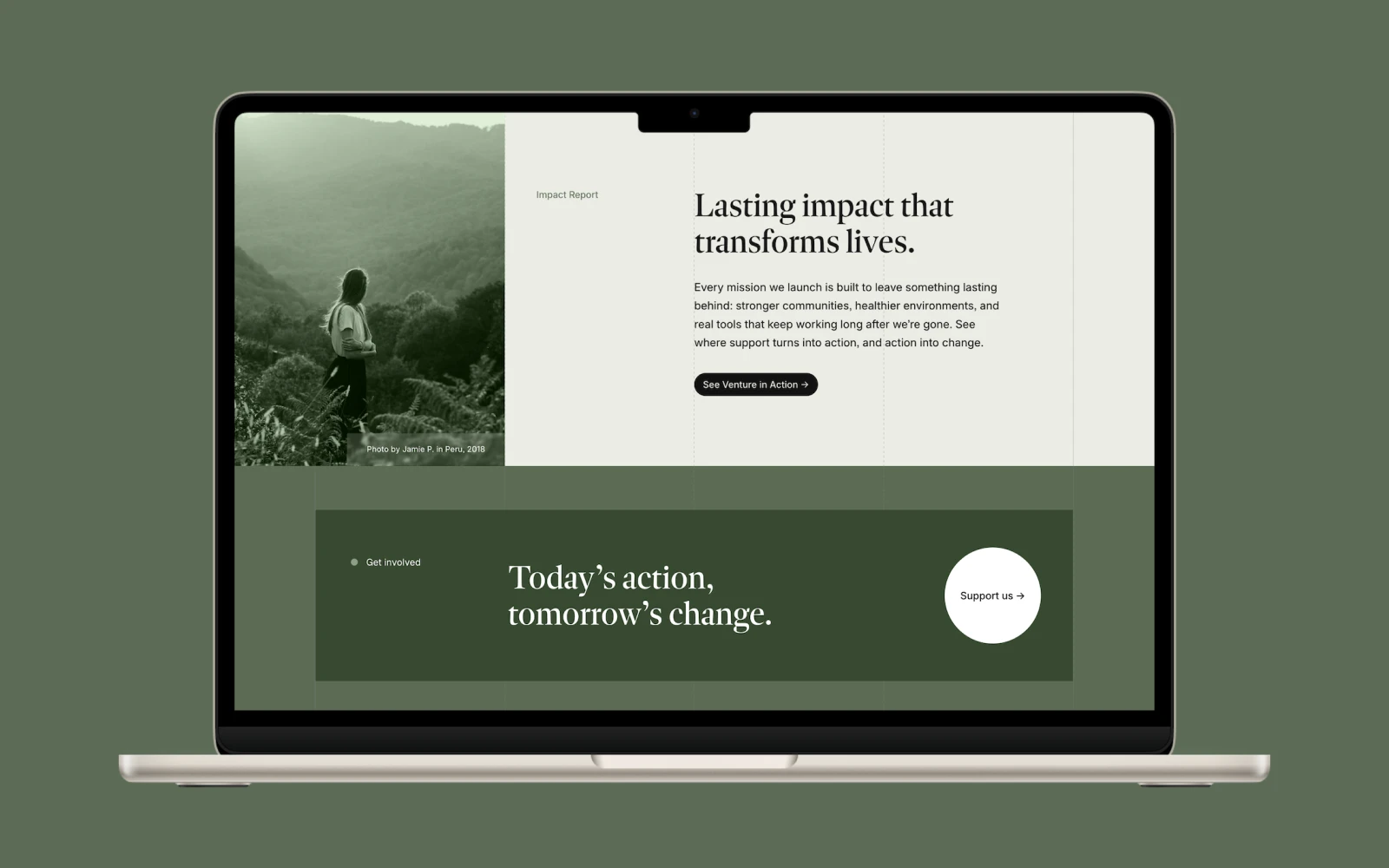
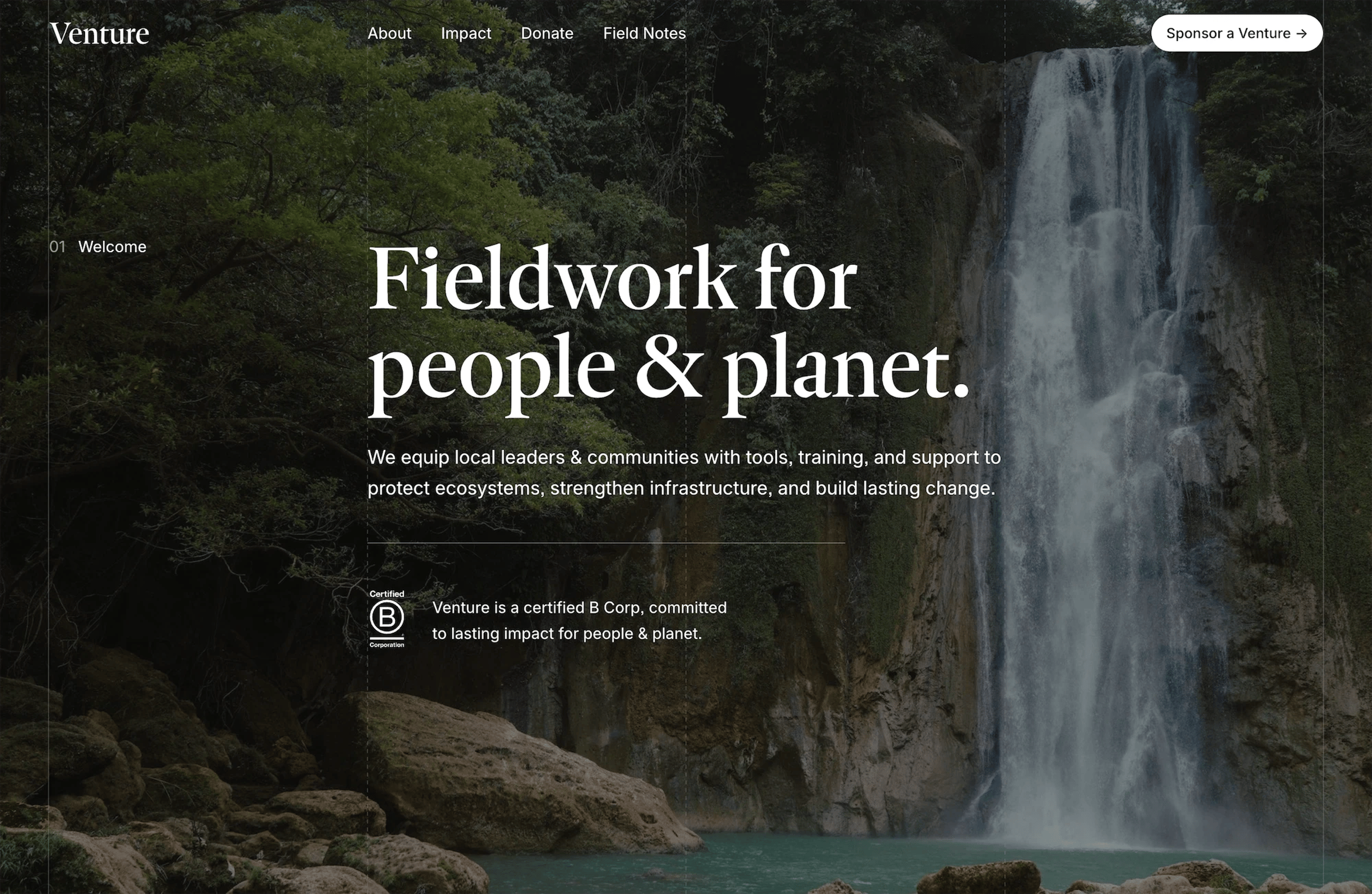
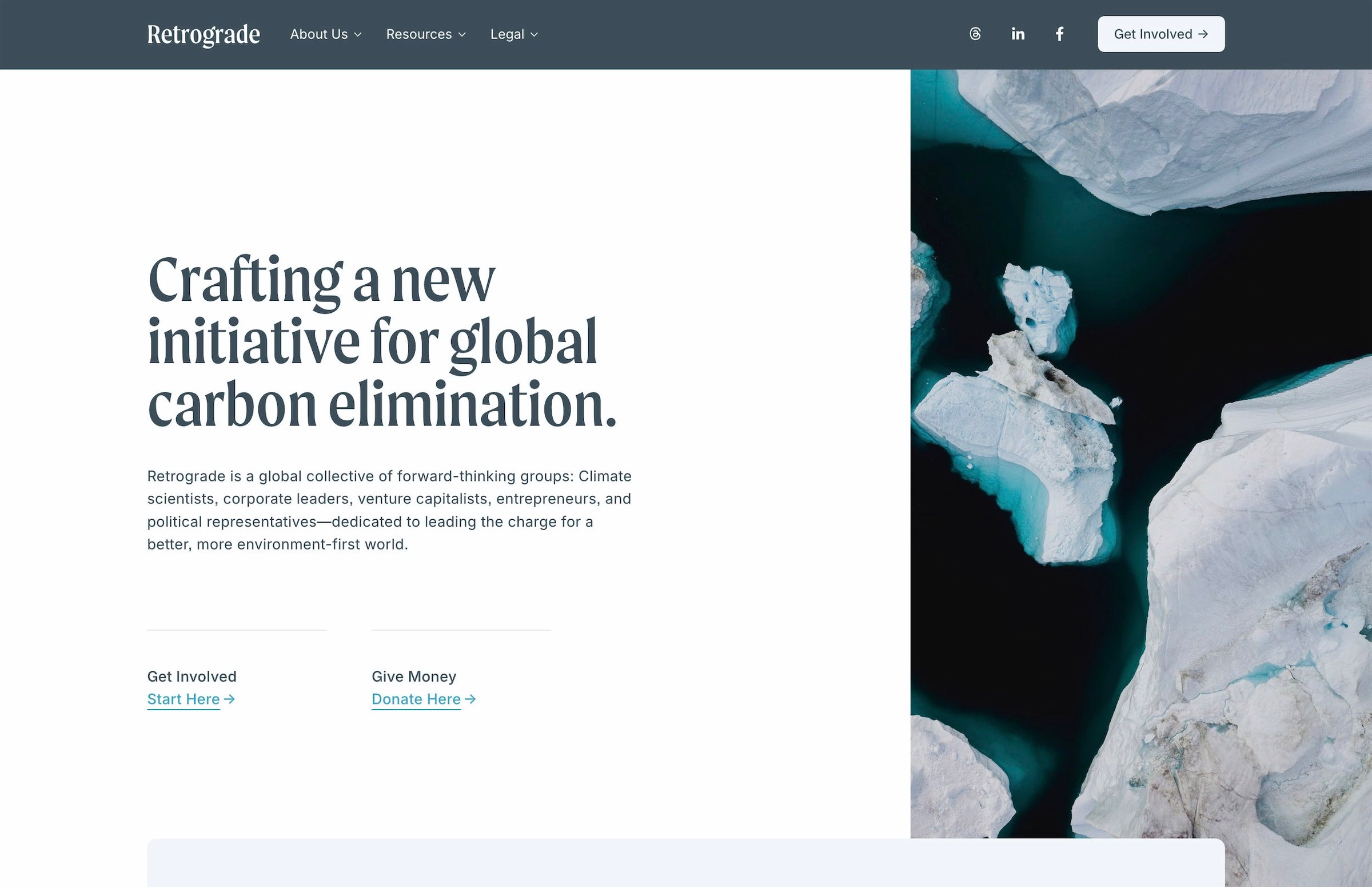
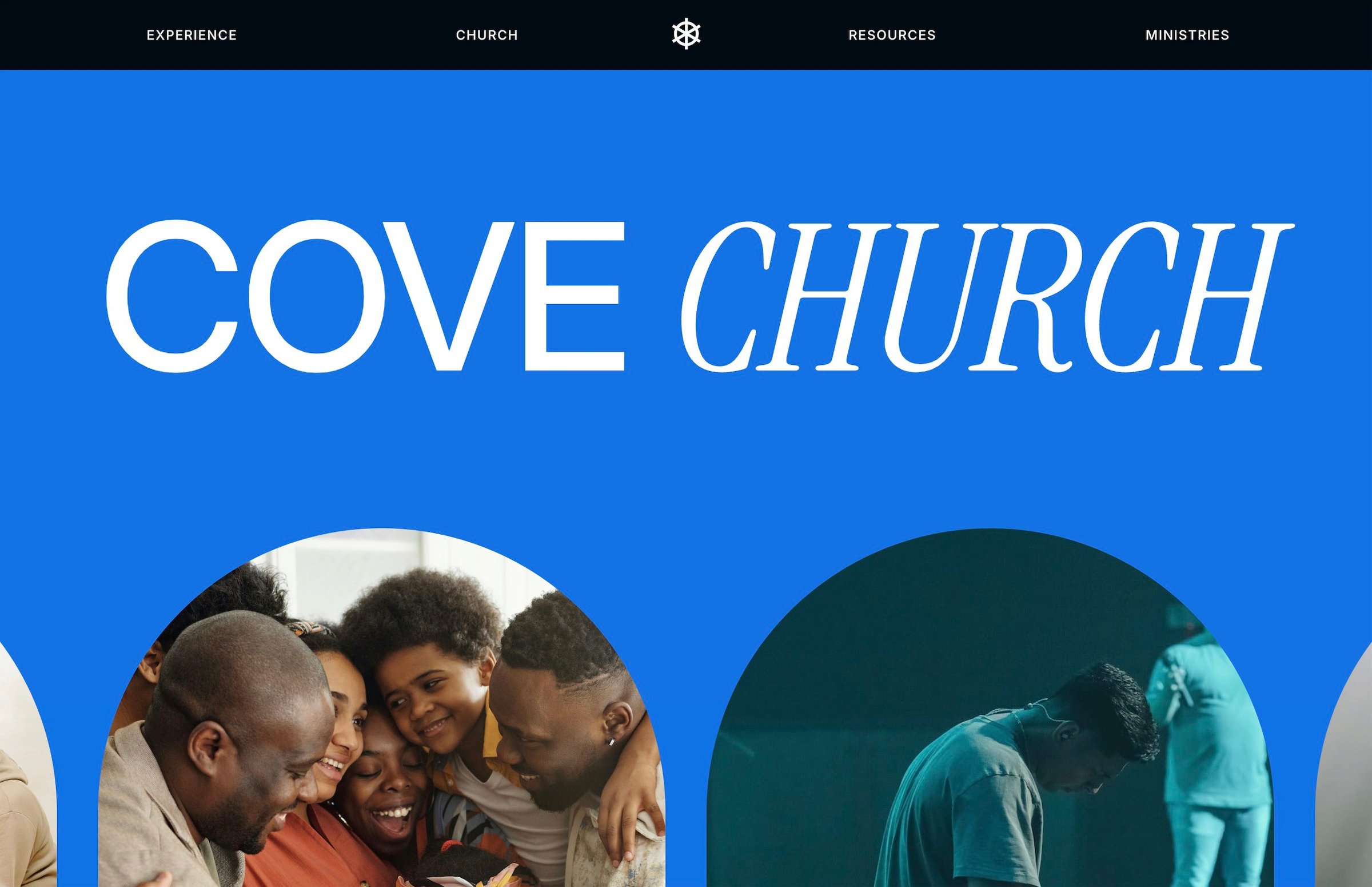
Why start with a template?
For most nonprofits, time and money are limited. That’s why starting with a pre-built website template makes so much sense. You get a thoughtful design, a proven structure, expert support, and a faster path to launch—all without hiring a designer or learning to code.
It’s faster and more focused
With a good template, you skip the blank page. The layout is already there, built around the needs of purpose-driven teams: clear navigation, space for your mission, donation prompts, and calls to action that don’t get lost. Instead of wondering what to include or where to put it, you can focus on writing content and selecting images that tell your story. That’s what moves your site forward.
It’s affordable (but doesn’t feel cheap)
Custom websites can easily cost $5,000–$25,000, especially if you’re working with an agency. Templates are a one-time purchase, often under $300, and many come with premium features baked in—without monthly plugin fees or hidden maintenance costs. This approach frees up budget for the work that matters: running programs, supporting your staff, or connecting with donors.
It still feels custom
Modern Squarespace templates are flexible. You can swap colors, change typefaces, adjust layouts, and bring in your own visuals—no design degree required. Your site can feel unique without starting from zero. And if your team eventually grows or your needs change, you’re not locked in. You can expand the site later, or bring in help for the parts that need polish.
What to look for in a nonprofit template
When you're browsing templates, look for these features:
A clear homepage structure: Can someone understand what you do within 5 seconds of landing on your site?
An About or Mission page: Tells your story, shares your values, and builds trust.
Programs or Initiatives page: Shows your impact and how people can get involved.
Blog or News: A place to share updates, stories, or events.
Donation integrations: Compatibility with tools like Givebutter, Donorbox, or a simple Squarespace checkout.
Contact page: Clear, scannable, and mobile-friendly.
Also worth checking: Is the template responsive on all screen sizes? Does it load fast? Is the navigation simple?